
Photoshop Tips

How To Create Faux Snow With Photoshop Actions
Learn to add a wintery feel to your images and create faux snow using Photoshop actions.
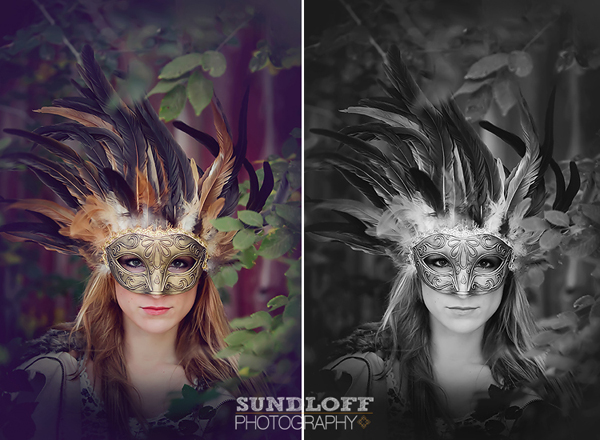
3 Tips To Capturing Unique Photos in Ordinary Places
Learn how to quickly turn ordinary locations into extraordinary ones with these easy steps.
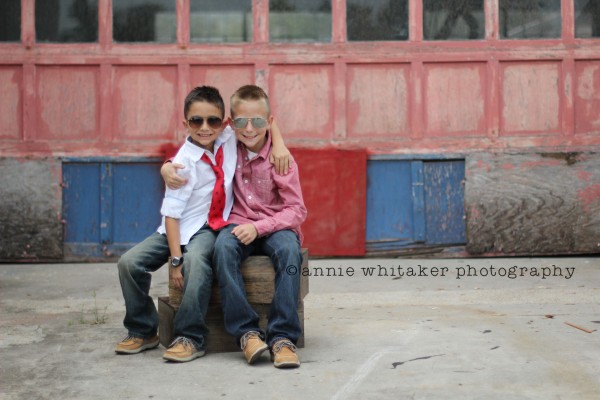
How To Transform An Image Using MCP Fusion Photoshop Actions
This article describes how to create rich, vibrant, modern color using MCP Fusion photoshop acitons.

Five Looks – One Image – Using Photoshop Actions
Transform your images with our photoshop actions: get hazy tones of Spring, vivid colors of Summer, rich look of Autumn, or the frosty look of Winter.
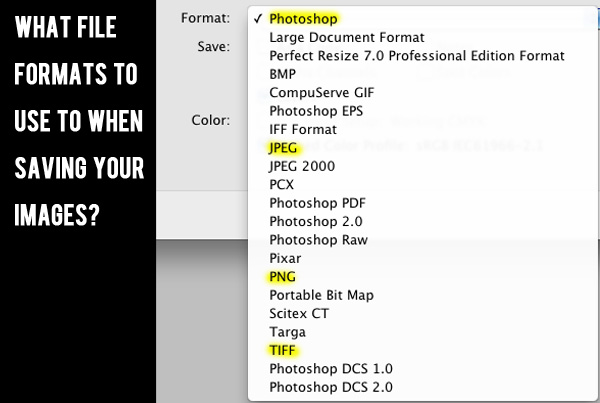
The Guide To File Formats: How You Should Save Your Images
Learn which file format you should use to save your image in specific situations. We cover the major formats and tell you the pros and cons.
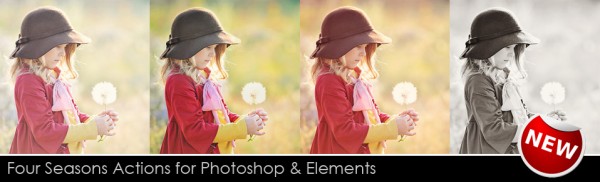
Getting The Look Of All Four Seasons Using Our Photoshop Actions
Transform your images with our photoshop actions: get hazy tones of Spring, vivid colors of Summer, rich look of Autumn, or the frosty look of Winter.
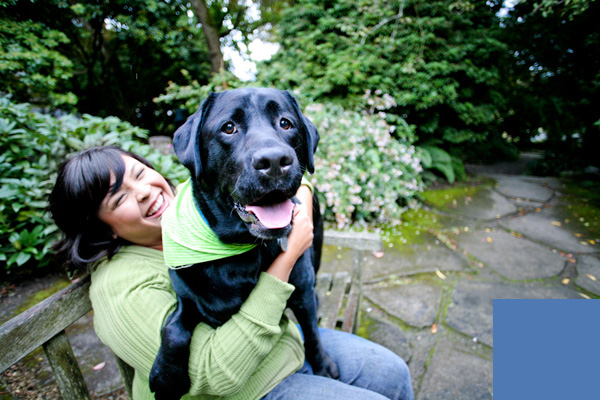
How To Fix The Five Most Common Pet Photography Editing Mistakes
How To Fix The Five Most Common Pet Photography Editing Mistakes Whether your model is a human or animal, you always want them looking their best so that you look good as a professional and so that your clients buy the stuff you are selling! Don’t fall victim to the five most common pet photography…
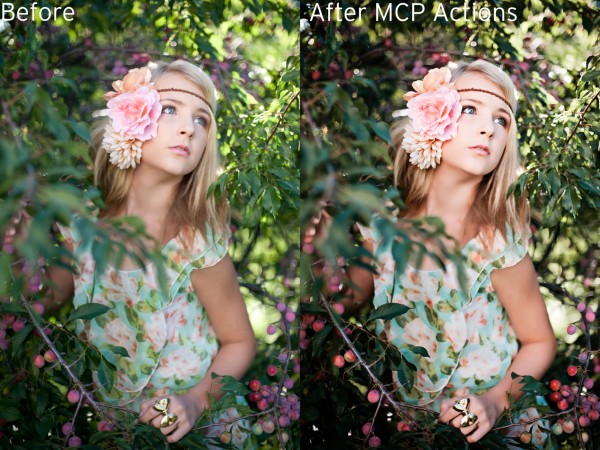
How to Use Photoshop Actions to Enhance an Already Great Photo
Photoshop actions can both fix and enhance photos. The more dramatic examples are “saves” but today we’ll show you how to make what you have even better.
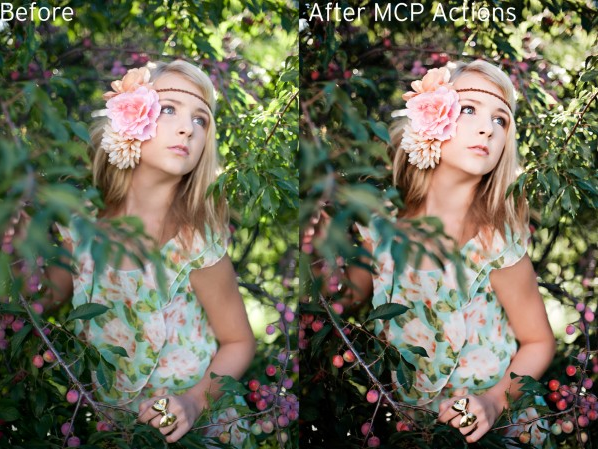
How to Use Photoshop Actions to Enhance an Already Great Photo
Photoshop actions can both fix and enhance photos. The more dramatic examples are “saves” but today we’ll show you how to make what you have even better.
How To Choose Which Images To Keep Versus Delete
When sorting through thousands of images, there are some quick rules that will help you decide which to choose and which to discard. Here’s how.
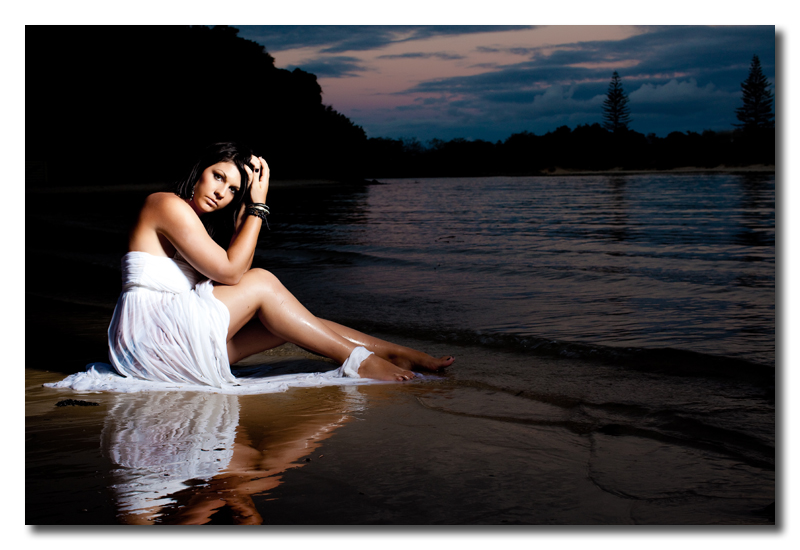
Creating a Retro 50s Image in Photoshop
Step-by-Step Guide to Creating a Fun Retro 50’s Image Using Your Photos and Photoshop Step 1: The first step is to open up a new Photoshop document and drag the photo on to a new layer. Step 2: Next, erase the background of the original photo using the eraser tool, or selecting the subject using…

How to Get a Pure White Background in Studio Shots
How to Get a Pure White Background in Studio Shots Photos against a pure white background are extremely versatile. A white (also called “blown out” or ” knockout”) background has for a long time been popular for commercial photography, including model, fashion and product shoots. It is also a great option for portrait sessions of…

How to Edit Darker Skin Newborn Babies Using Photoshop Actions: Part 2
Edit your newborn images with our tools in a few quick steps. You will wonder how you did it with them.
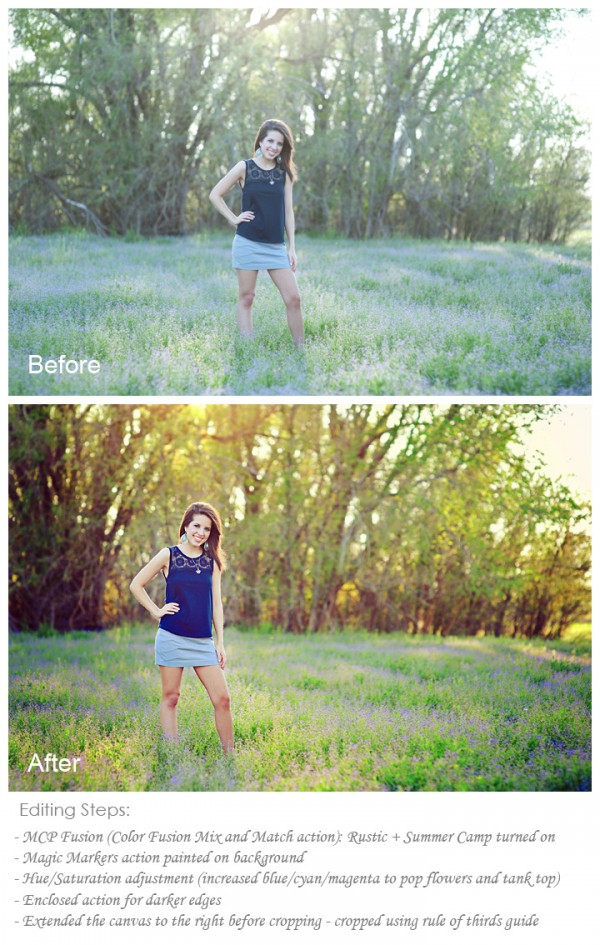
How To Edit Outdoor Senior Photos Quickly With Photoshop Actions
Here are some quick step-by-step instructions for editing your senior sessions with Photoshop actions, quicker and better!
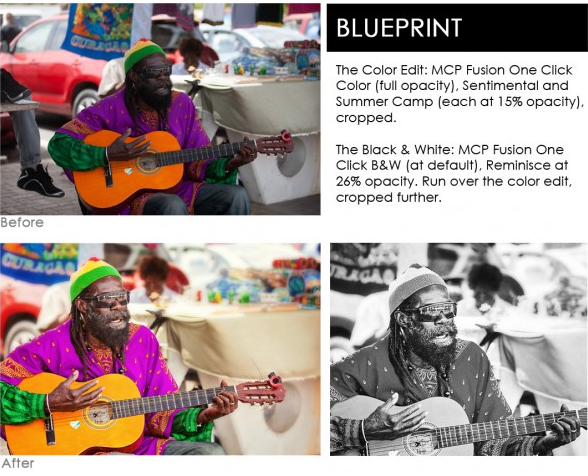
Do You Typically Edit In Color Or Black And White?
Color vs black and white imagery – each conveys different stories and messages. Do you typically pick one over the other? And why?
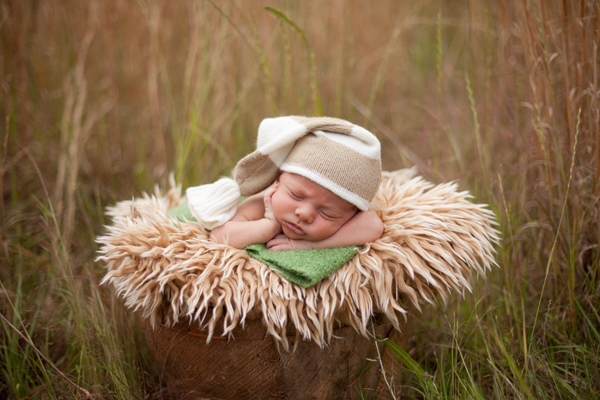
Join In the MCP Newborn Edit Challenge: Practice Editing
Editing newborns can be a challenge. Today you can practice and edit along with us to learn more.
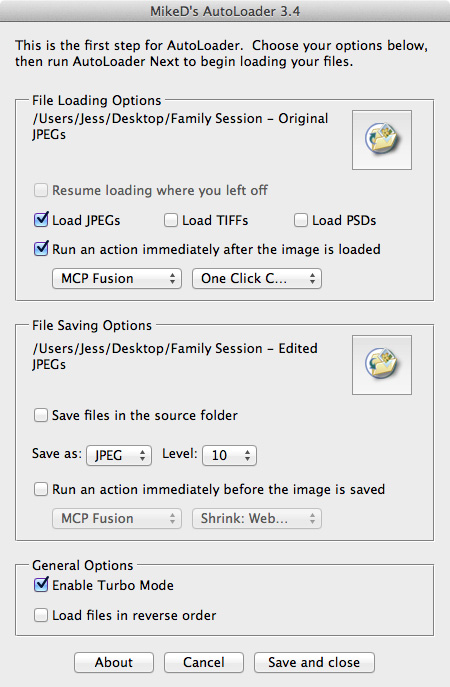
Speed Up Your Editing Process With Actions, AutoLoader and Shortcut Keys
Save time on your editing now by using Photoshop Actions, autoloader, and shortcut keys. Learn how to combine these for an effective workflow.

3 Ways To Edit The Same Silhouette Photo: Which Do You Like Best?
Whether you prefer muted tones or vibrant silhouettes, we’ll teach you how to achieve the look you want in a few clicks.
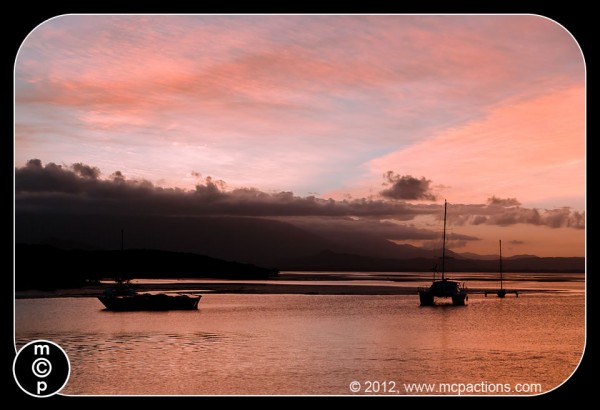
5 Favorite Silhouette Images From Queensland, Australia
One of my favorite things to photograph is sunset silhouettes. The silhouettes come from people or objects darkened to the point that no detail left. This is a fairly easy photography technique to master – as it involves exposing for the brighter background. Here are a few helpful tutorials on photographing and editing silhouette images:…

Recent Posts








