
MCP Actions™ Blog: Photography, Photo Editing & Photography Business Advice
The MCP Actions™ Blog is full of advice from experienced photographers written to help you improve your camera skills, post-processing and photography skill-sets. Enjoy editing tutorials, photography tips, business advice, and professional spotlights.

Enhancing Christmas Lights Using Photoshop * watch your lights glow
Question from some MCP Actions customers: “How can I make Christmas lights more vibrant?” Starting with this photo from Heather O’Steen, Timeless and Treasured Photography I will show you how to enhance Christmas lights in your photographs using Photoshop. This tutorial will teach you how to make holiday lights, Christmas tree lights, and more glow…

Before and After * In Color and Black and White
I often get asked “what do your “straight out of camera shots” look like. So here is one I took in a dark basement using my 580ex flash. I dragged the shutter and this was the result out of the camera. The exposure was good and it did not look too flashy. But it lacked…
Before and After * In Color and Black and White
I often get asked “what do your “straight out of camera shots” look like. So here is one I took in a dark basement using my 580ex flash. I dragged the shutter and this was the result out of the camera. The exposure was good and it did not look too flashy. But it lacked…
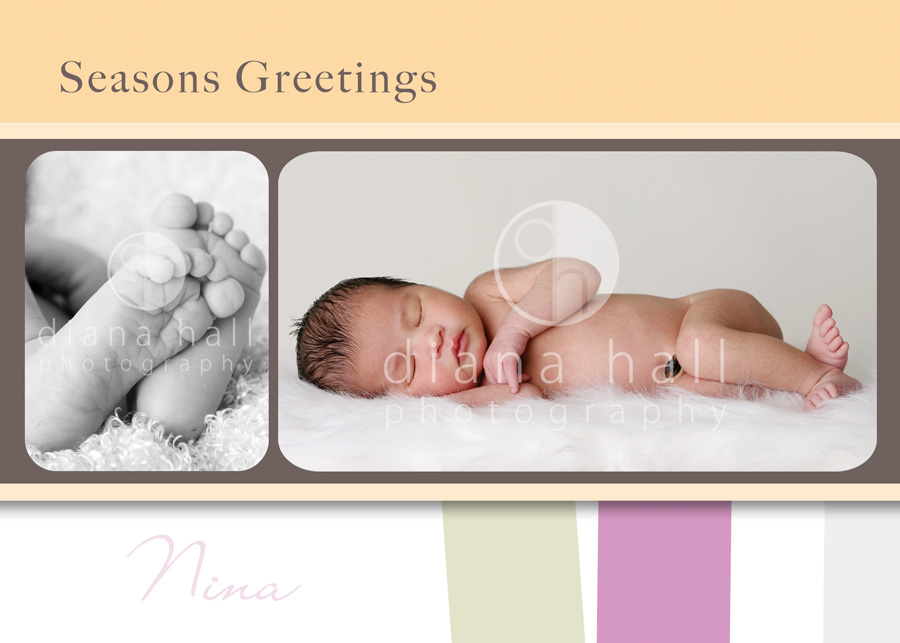
Freebie – a Season’s Greetings Template from Diana Hall
To go along with the “clipping mask tutorial” that I did yesterday, here is a contribution from Diana Hall Designs. She has fabulous templates and cards and has generously donated this for my blog readers. Download the Photoshop card template here. Here is the sample of what it looks like. You can add your own…
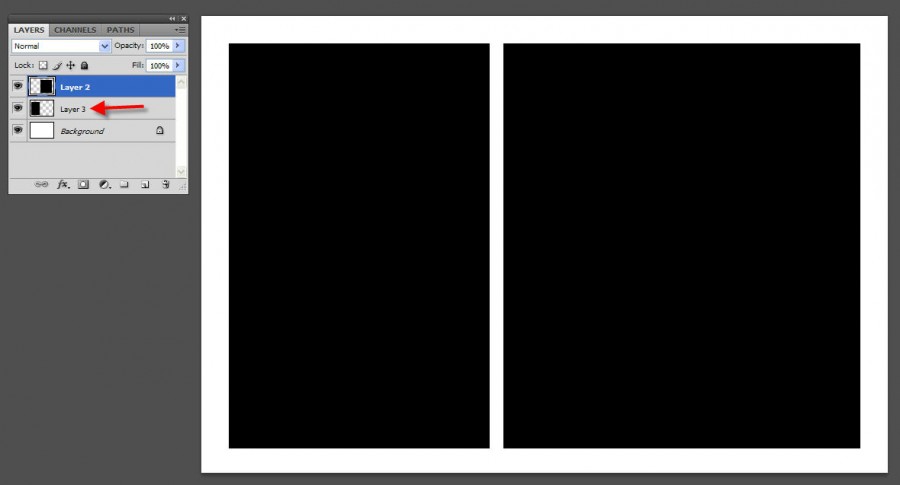
How to use a “Clipping Mask” to insert photos into a template
This is a very basic tutorial on how to use clipping masks to insert photos into a template or card. To start with, open your template. For this example, I am using a very simple white template. Openings shown in black. The black represents the layer(s) in your templates that you need to clip to. …

How to Use Your Flash Effectively for Portraits (part 2 of 5) – by MCP Guest Blogger Matthew Kees
Matthew Kees is a very talented photographer and teacher. He is doing a 5 part series on the MCP Actions Blog on Using a Modern Flash for Portraits. I am excited to share his knowledge and expertise with all of my readers. These tutorials will launch once every other week. On the alternate weeks, time permitting, Matthew will look through…
Just when I was being thankful… I get this call…
Just when I was feeling thankful for all I have and how my life is, I get a call this AM from my mom. My sister Rebecca had her 3rd child a week ago. We have never been super close, and we have had our differences through the years. But she is still my sister…

Happy Thanksgiving * What are you thankful for?
I have never been as into Thanksgiving as I am this year. What changed? My twins’ 1st grade class did a ton of projects around the Thanksgiving theme. They were so excited to learn what it was like when the Pilgrims came over and what it was like to be a Native American as well. …
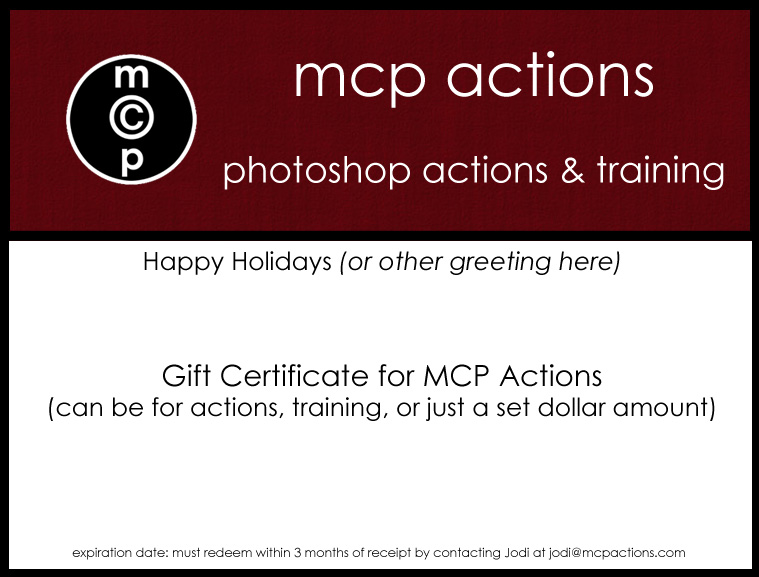
Want to give or receive an MCP Actions Gift Certificate for the Holidays?
I have had numerous requests for Gift Certificates for the Holidays. Some people are asking if they can buy them for someone, while others are wanting to add these to their wish list from Santa or Spouse. You can purchase and then redeem a Gift Certificate for MCP Actions by emailing me at [email protected]. Just…
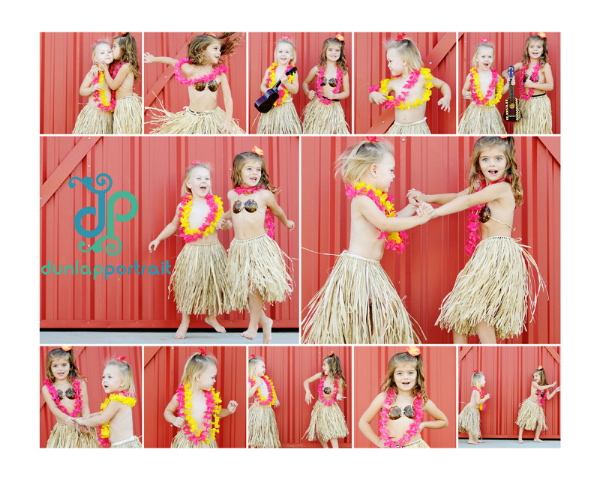
Q & A: Questions about the difference between Magic Print It Boards and Tell a Storyboards
I get asked this question frequently: Q: What is the difference between the “Tell a Storyboard Actions” and the “Magic Print It Board Actions?” A: In the end, the appearance. The “Tell a Storyboards” are designed with more space between them (you can add patterns and scrapbook paper or leave solid). Three of the sets are…
Q & A – question from a customer: what actions do you use most?
I get this question or similar questions all the time, so I decided I would write the answer here. “Can you give me the 3-5 actions you use most?” “What are your favorite actions?” Answer: “My workflow is usually this – I would say 85% of the time it is one of these two for…
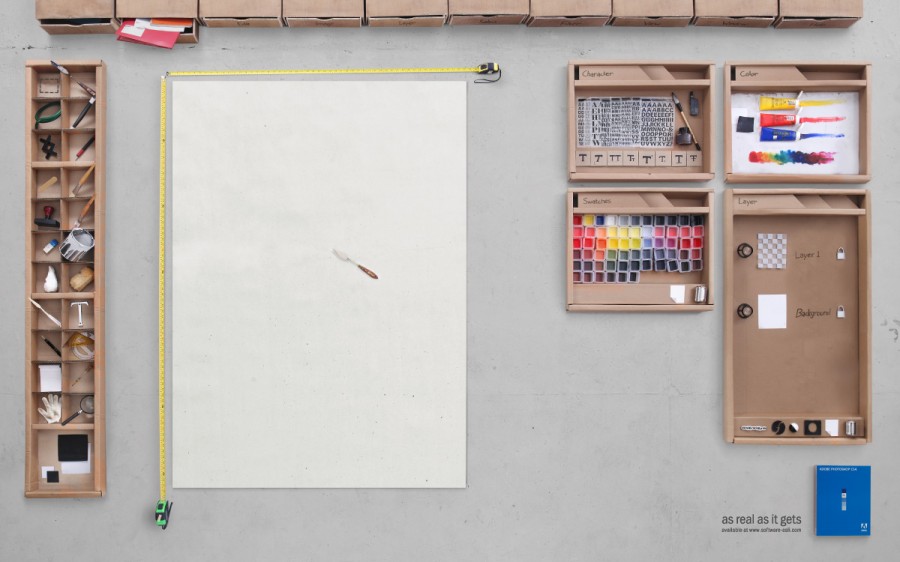
Possibly the coolest piece of art ever!
This may be the coolest piece of art ever, at least to a photoshop trainer. I saw this a few weeks ago but forgot to share. When I came across it again last night, I wrote the artist and asked if I could share the piece on my blog. And he said he would be…
Operation Project Cleanup – ALIEN BEES LIGHT, SOFTBOX, and LIGHTSTAND for sale.
Have you been thinking of getting your first Studio Flash Unit? Or are you looking for one more light to complete your set? In the process of converting my studio into an office, I have decided I just do not have room to keep all 4 lights. So, I will be selling ONE complete one…
How to Use Your Flash Effectively for Portraits (Part 1 of 5) – by MCP Guest Blogger Matthew Kees
Matthew Kees is a very talented photographer and teacher. He is doing a 5 part series on the MCP Actions Blog on Using a Modern Flash for Portraits. I am excited to share his knowledge and expertise with all of my readers. These tutorials will launch once every other week. On the alternate weeks, time…
Learning Flash Photography – a 5 part series + Q&A with Guest Blogger Matthew Kees
Coming over the next few months, I will be bringing you a 5 part series on FLASH PHOTOGRAPHY – plus after each part, you have the opportunity to ask questions and get answers. So come prepared to learn… The guest blogger is Matthew Kees. And I know you all are going to learn so much…

More quick ways to change your brush in photoshop…
MCP Actions Website | MCP Flickr Group | MCP Reviews MCP Actions Quick Purchase What are some more easy ways to change your brush in Photoshop? What if I told you that you do not even need to go to the brush menu while using a “brush?” You can use your keystrokes and not go up…

Last chance: retiring the “polka dot borders set” for elements and photoshop
This is a .psd of polka dot borders. I created this back when MCP Actions first started and many of my customers were children’s store owners and eBayers. These are perfect for scrapbookers and eBayers, but I have decided to retire this set from my website. It is now off of my site, but can…
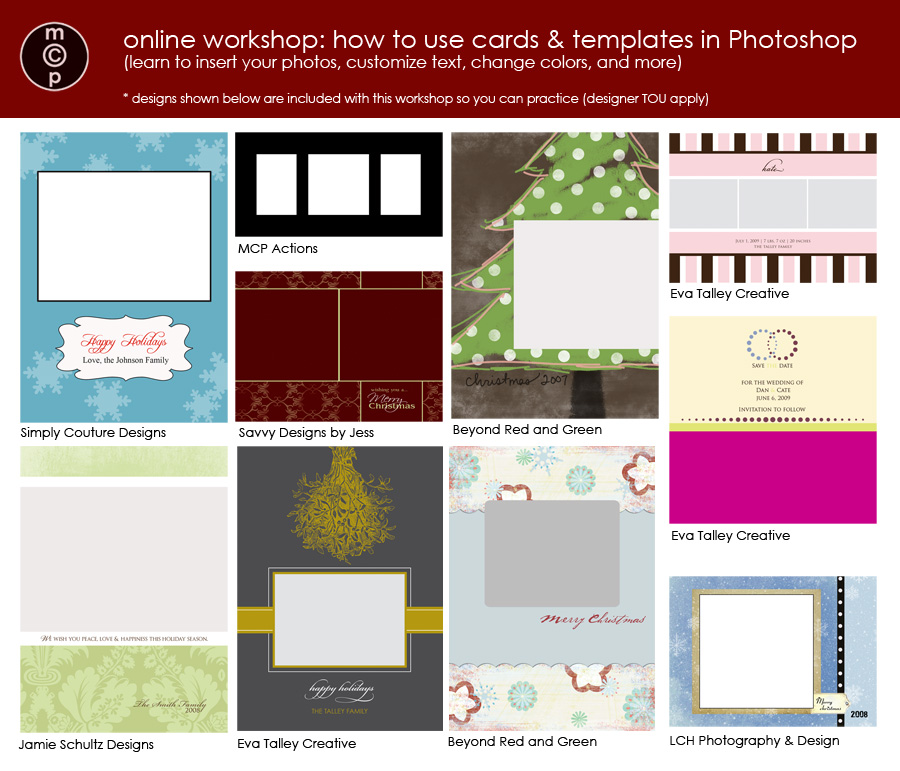
ONLINE GROUP WORKSHOP – Using Cards & Templates (just in time for the holidays)
Using Cards & Templates in Photoshop (just in time for the holidays) Have you ever purchased a template, storyboard, birth announcement, holiday card, etc. only to find out you have no idea how to customize it or even how to insert and resize photos to fit? If so, you are not alone. Thanks to some amazing…
Funny Elementary School Election Story – could this be an early exit poll?
I just had to share this funny election story. My 6 year old girls got home from school today and said that they got to vote. So I asked who they voted for. They each said “Obama.” I asked “Why did you vote for Obama?” Each had a different reply. Jenna said they learned in…

Recent Posts








