
MCP Actions Projects

When Did “Mean” Become Popular?
If you can’t say it nicely, don’t say it. Only offer criticism when asked and make it polite and constructive.

Editing Newborn Images in Photoshop Just Got Easier and Faster
If you photography newborns, you need to have this Photoshop action set. It makes editing baby images quick – and help you get the looks you want.

Project MCP: Highlights for April, Challenge #2
The pool of inspiration for April, Challenge #2’s highlight post was not “shallow” (pun intended). In fact, the Flickr gallery is waist-deep with beautiful, interesting and creative photos taken with a shallow depth of field; so much so, that the Project MCP Team could not narrow their favorites down to only a few. Here are…
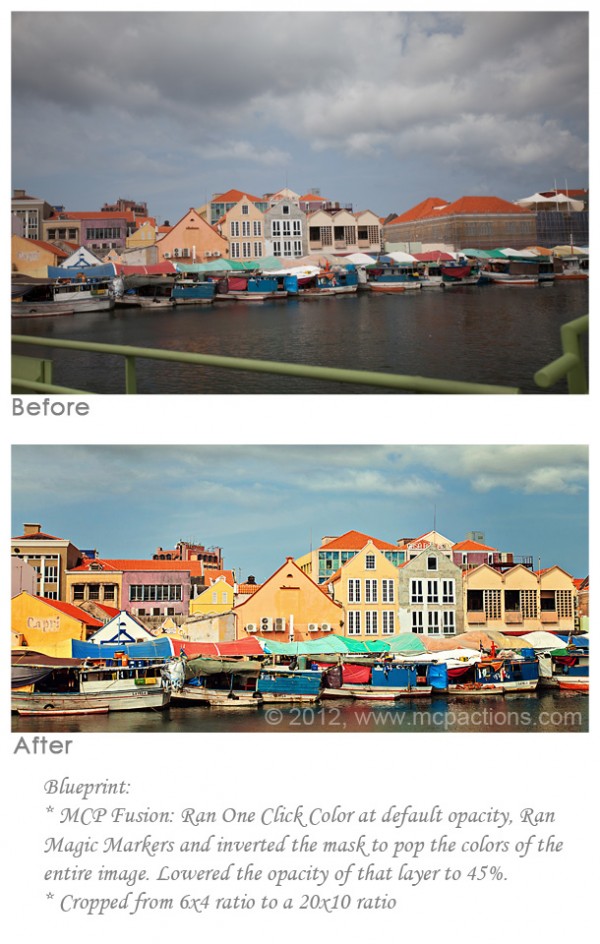
Transform A Vacation Snapshot Into Art Using Photoshop Actions
Alter a photo into a work of art using Photoshop actions.
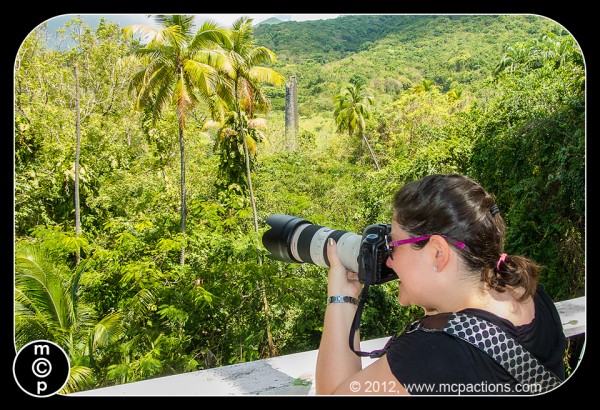
Vacation Photos: The Ins and Outs of Travel Photography
Here’s a first hand account on how I take and edit large quantities of vacation photos.

Project MCP: Highlights for April Challenge #1 and Capturing a Photo with a Shallow Depth of Field
If the old adage “April showers bring May flowers” holds true, there will be colorful blooms all over the place in my part of the country very soon! Given the large amount of rain that has blown across the United States, capturing “wet” should have been a cinch (I hope you have been as lucky…

The Power of Curves For Editing in Photoshop: A Tutorial
Curves is the most powerful tool in Photoshop. To edit well, you need to learn to use it to the fullest. Learn some basics now.

Project MCP: Highlights for Challenge #4 and April New Challenges
We are excited to wrap up our first month of Project MCP with Challenge #4: Guess What?. The Project MCP Team has thoroughly enjoyed browsing through the photos in the Flickr Group, attempting to decipher what many of them actually are. Many of you have us stumped! This week, we decided that we would showcase…

Creating Dramatic, Vibrant Images Using MCP’s Photoshop Actions
If you like rich color and high contrast in your photos, read the step by step of this edit in Photoshop to learn how to achieve this “look.”

Show And Tell : Trick For Smoothing The Background
Camera and Lens Used: Canon EOS 5D Mark III and Canon EF 50mm f/1.2 L ISO, Aperture, Shutter Speed:Settings: 1/1250 sec; f/1.2; ISO 200 Software Used: Photoshop Actions/Presets Used: Magic Skin Photoshop Actions, Inspire Photoshop Actions Extra Details: Edits: Opened RAW file in ACR for basic adjustments, opened in CS6 and went into quick mask…
Get Richer Images in Photoshop Using Multiply and Softlight Blend Modes
If you are looking for rich colors in fast, without the use of Photoshop actions, try using blend modes in Photoshop. The after image used two “fake” or empty adjustment layers set to blend modes of soft light and multiply. Watch our included Photoshop video tutorial below to learn how we did it!

Project MCP: Highlights for Challenge #3 and Macro Tips
Week #3 of Project MCP has been another success. Almost 100 photos were entered for Challenge #3. The interpretation of “Transition” ranged from transition of the seasons to body transition and life transition. There were so many beautiful photographs that once again, choosing only a few was quite a chore, but here are the Project…

Sharing a Customer’s Edit Using Our Photoshop Actions
Edit baby images in a few clicks using Fusion Photoshop actions.
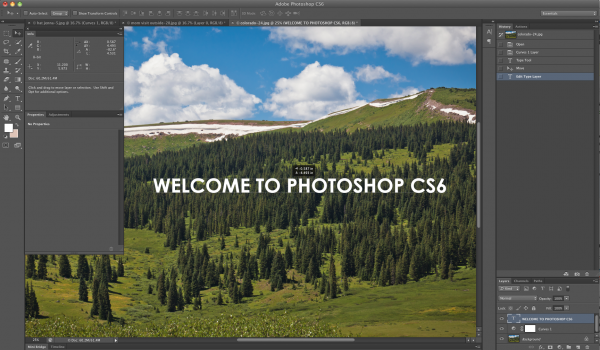
Photoshop CS6 Beta: The Best Features for Portrait Photographers
Learn how Photoshop CS6 will help you edit faster and take your post processing to the next level.

Project MCP: Highlights for Challenge #2
Project MCP’s second week has been a great success! Tons of gorgeous challenge photos have been flooding the Flickr gallery everyday, which made it even harder to choose only a few favorites for the Natural Light Challenge (March, Challenge #2). Here are a few of the Project MCP team’s favorites: Submitted by Angela Garrett Submitted…

Project MCP: Highlights for Challenge #1, Natural Light Tips
Project MCP is well underway! We challenged you and you rose to the occasion. The Project MCP Flickr group has been flooded with beautiful photos taken from high vantage points, using natural light, illustrating transition and depicting mysterious objects. Here are a few of the Project MCP Team’s favorite photos from the Week 1 Challenge…

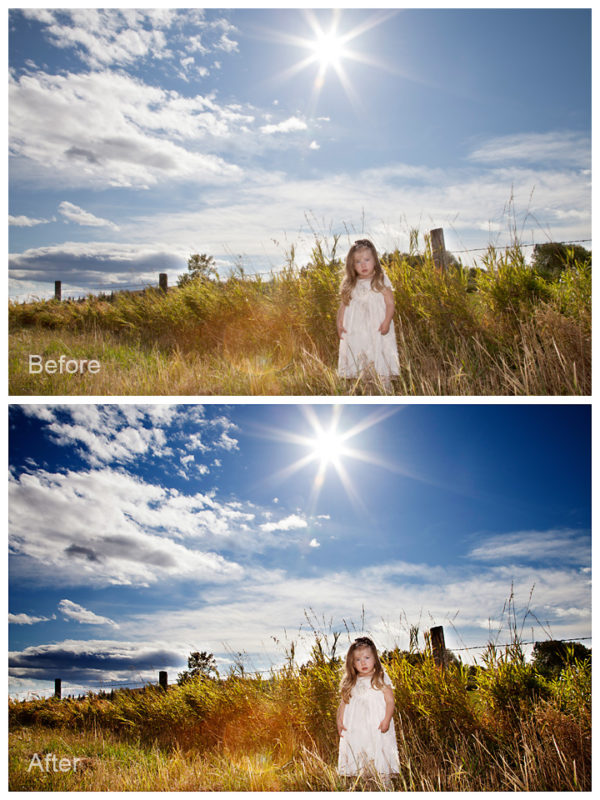
Editing Backlit Images With Photoshop Actions
Quick, easy edits for backlit photos … learn the steps now.
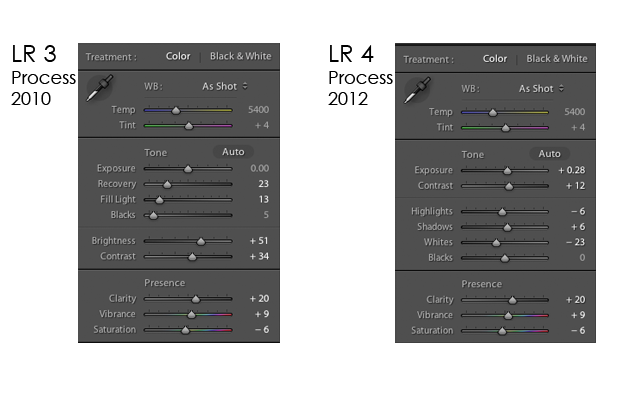
Lightroom 4 Now Available: The Good – The Bad – and The Best News
Find out what’s new for photographers in Lightroom 4 and what it means for you.

Project MCP: March, New Challenges
Welcome to the first month of Project MCP. In case you missed the big announcement, Project 12 is now Project MCP. Learn more about Project MCP and how it works here . Each month the Project MCP Team will reveal four to five challenges, enough for a new challenge to start each Saturday of the month.…


Recent Posts



