
Photoshop Tips
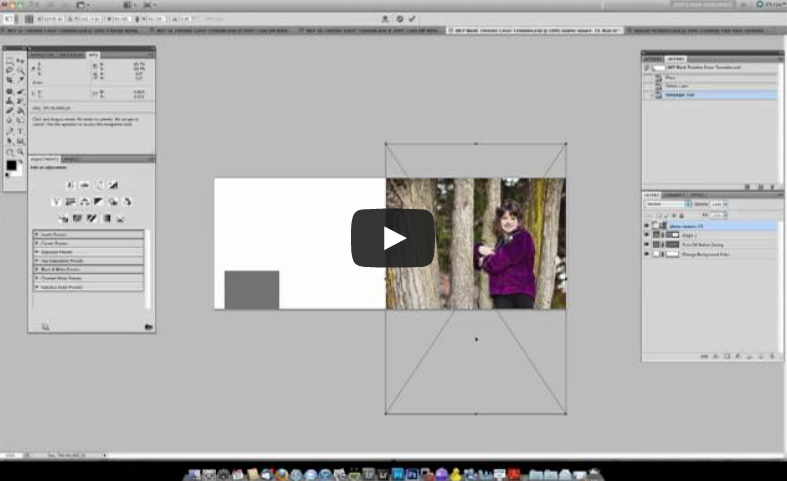
Free Facebook Timeline Cover Templates and Tutorial for Photoshop
Spice up your personal page with our free Facebook Timeline Cover Templates. Watch a video, add your photos, upload, and DONE!
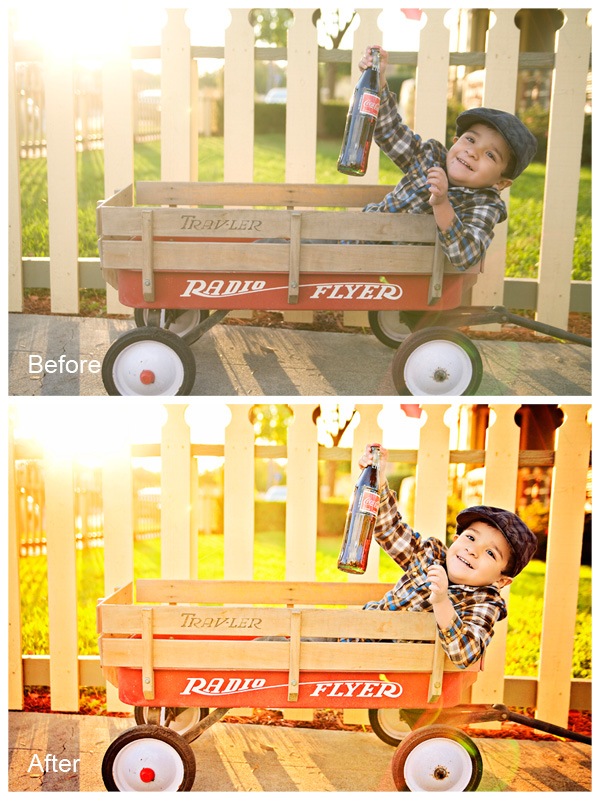
Adding Warmth To Images Using Photoshop Actions
If you love rich, warm colors, learn how you can get your photos to pop with warmth.
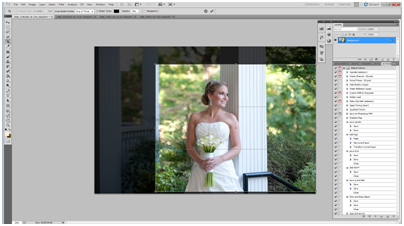
How To Edit A Bridal Image Using Photoshop Actions
Watch as an MCP customer quickly edits a bridal portrait using cloning, cropping and a few Photoshop actions.

Blueprint: Photoshop Actions for Beautiful Black and White Images
See how easy it is to make beautiful black and white images in a few quick clicks using Photoshop Actions.
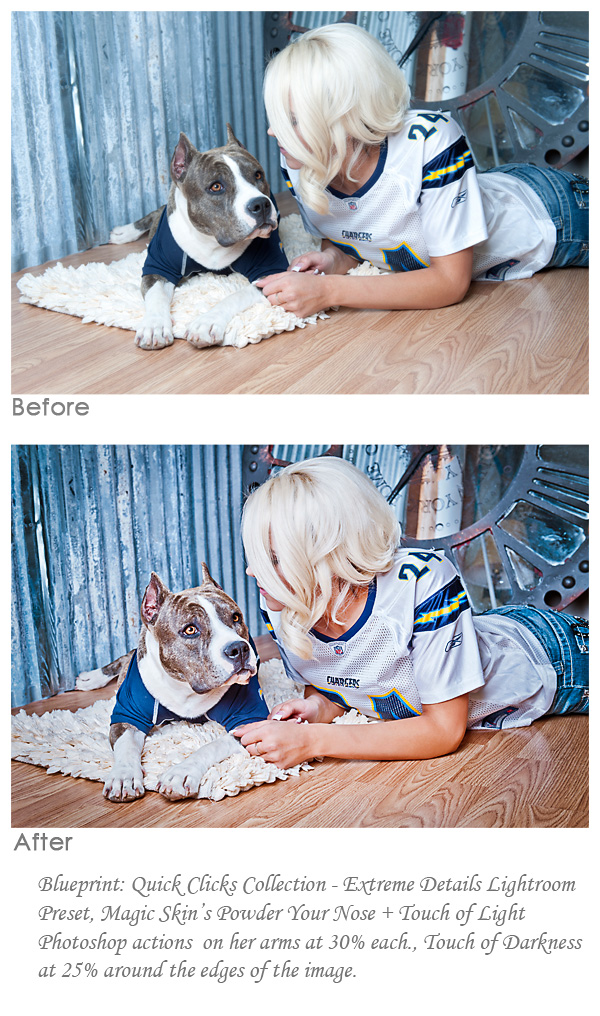
Combining Lightroom Presets and Photoshop Actions
Do you prefer Lightroom or Photoshop? For many photographers, both are an important part of their workflow. Learn how to use both together.

Creating a Good Logo: The Dos and Don’ts
Learn what goes into a good logo and what mistakes to avoid so yours is not horrible.

Photoshop Actions vs. Lightroom Presets: What’s the Difference?
Many of you are familiar with Photoshop actions. Presets and actions are NOT the same, but both have a place in an efficient photo editing workflow. After reading about them, we invite you to try our free Lightroom presets, Mini Quick Clicks, which is a sampling of our full Quick Clicks Collection. Actions and presets…
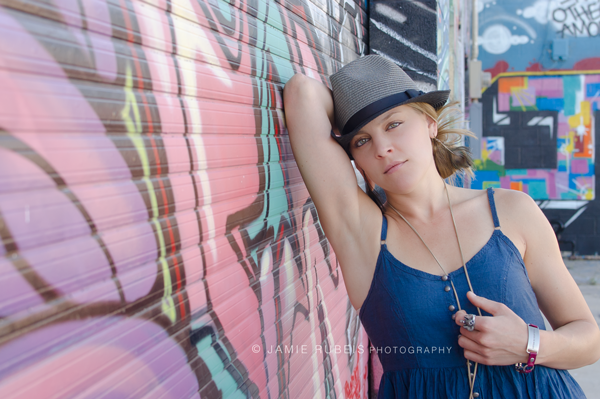
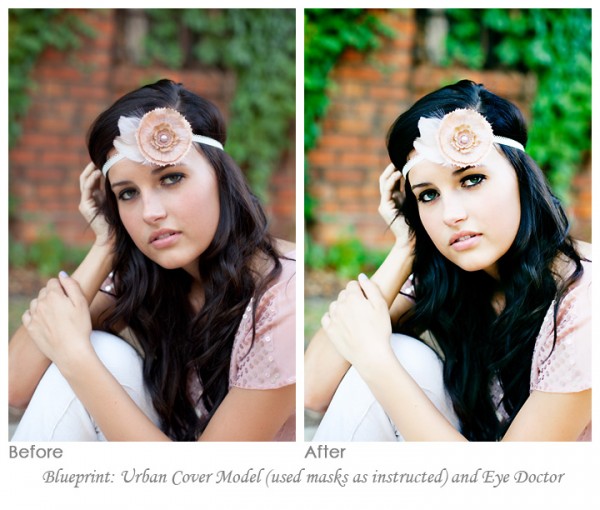
Add Dramatic Color to an Urban Photo Using Session Photoshop Actions
Learn how to quickly enhance your urban photos and add color pop and contrast using MCP’s Photoshop actions in this Friday Blueprint.
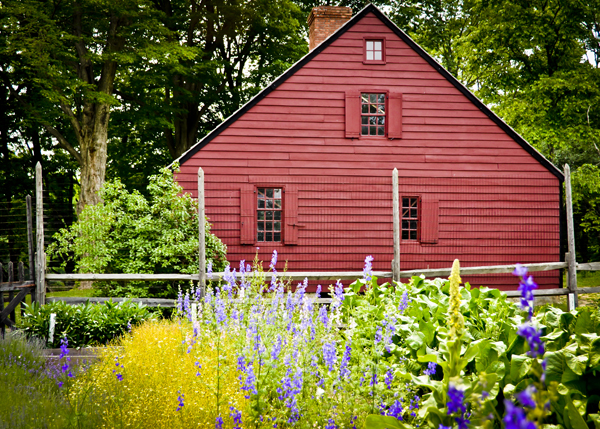
Using Brushes in Photoshop and Elements to Create Custom Borders
Learn how to use brushes to create your own borders and frames in Photoshop and Elements. This adds the perfect finishing touches to your photo editing.
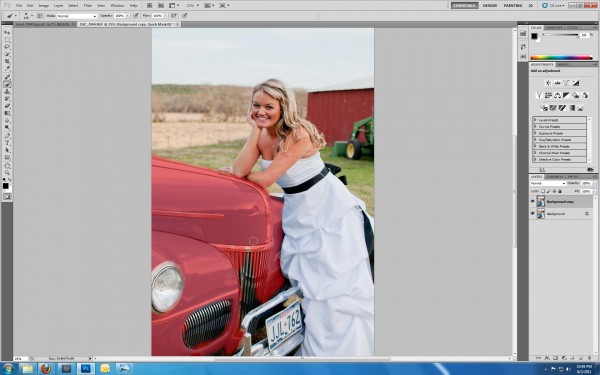
Use Photoshop to Change the Color of Objects in Your Photos
Have you ever wanted to change the color of an object in your photograph? Now you can with these quick, easy steps!
Use Photoshop to Change the Color of Objects in Your Photos
Have you ever wanted to change the color of an object in your photograph? Now you can with these quick, easy steps!
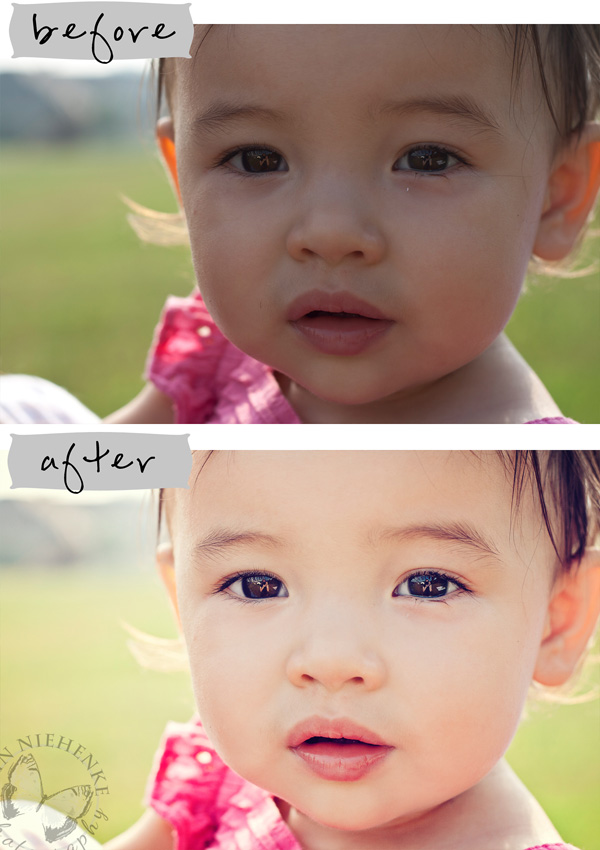
Beginners to Photoshop: Photo Editing is Easier Than You Think!
Learn how this photographer, who is brand new to Photoshop, transformed her image in a few minutes. You can achieve this too!
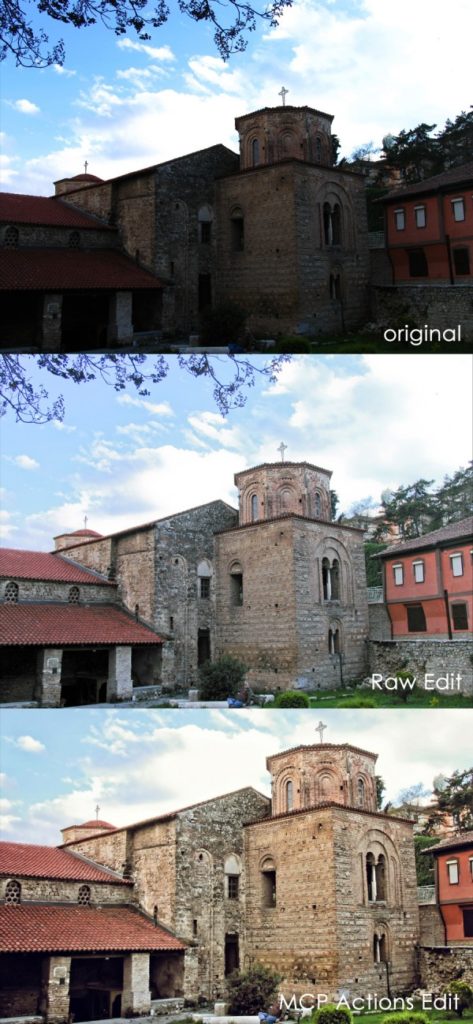
Use ACR and Photoshop Elements to Work Magic on Point & Shoot Camera Photos
Learn how to turn point and shoot images into memorable travel photography with a few steps in Adobe Camera Raw and Photoshop.
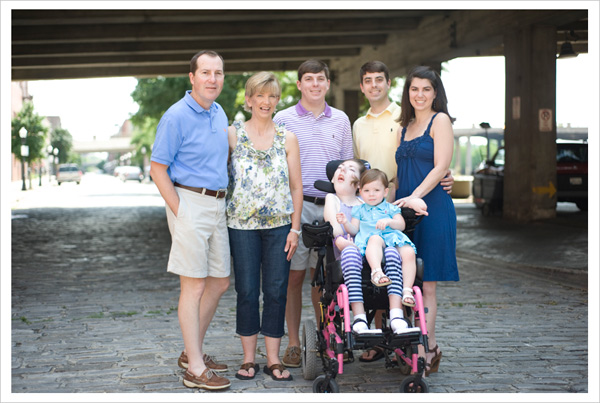
Photoshop Tutorial: 9 Quick Steps for Head Swapping / Face Transplant
Learn how to head swap when one subject is not looking, has eyes closed, or just does not fit in properly. In 9 quick steps your photo will be amazing.

Brighten Colors and Deepen Shadows using Photoshop Actions
A Las Vegas photographer shows you how to edit your work in a few clicks in Photoshop Elements.
Like Actions? Don’t Buy Elements 9 from the Mac App Store
NEWS ALERT: Elements 9 sold by the Mac App Store does not allow the installation of actions into Photo Effects.
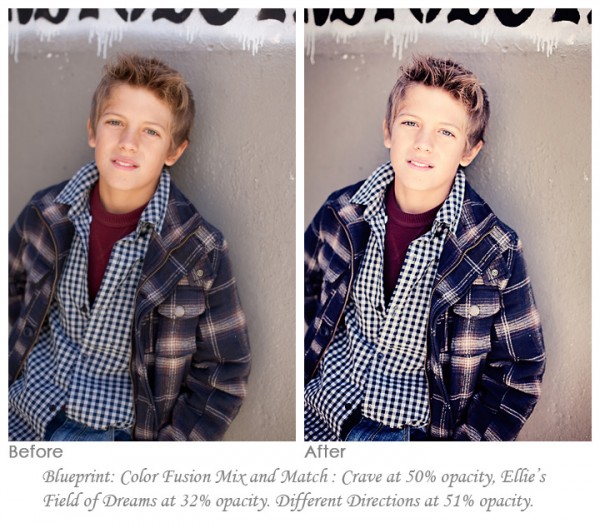
Small Adjustments In Photoshop: Tiny Edit ~ Big Impact
Light editing equals powerful images – here is how you can put these extra special touches to work for you in Photoshop.
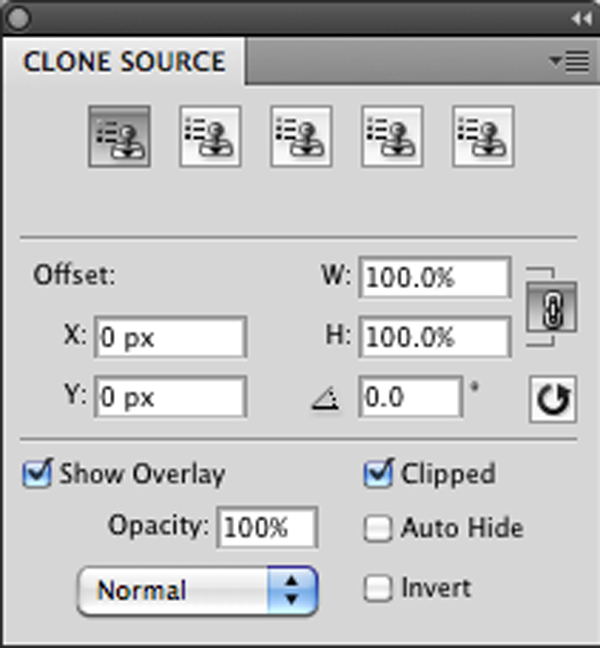
Cloning in Photoshop: How to Get Rid of Distractions Now!
In 5 quick steps you can get rid of distractions in your photos using powerful Photoshop tools. Learn how now!
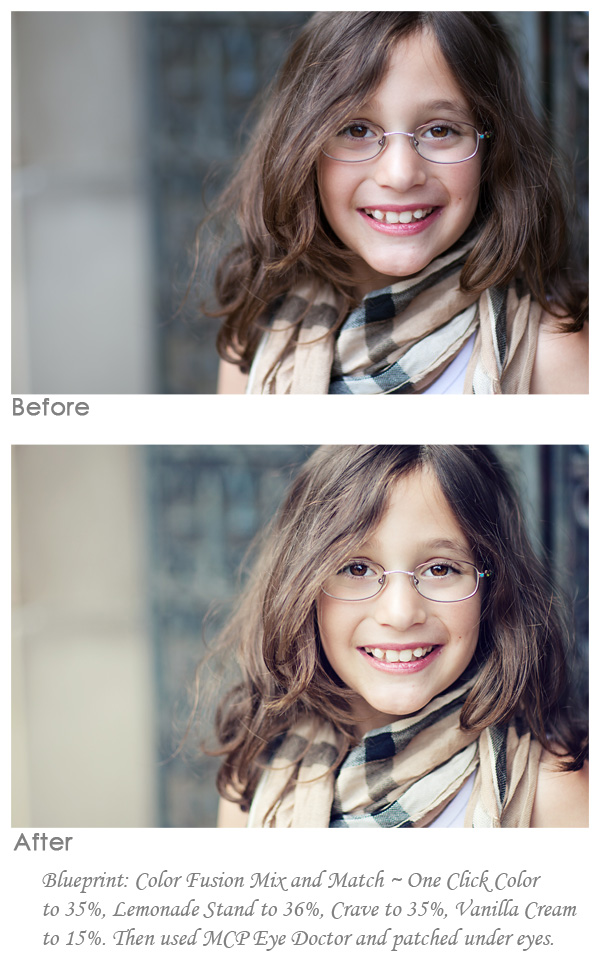
Photoshop Actions to Create a Soft, Creamy Burberry Neutral Look
See how I transform this image from simple to classic, using the iconic Burberry neutral palette as inspiration for this Photoshop edit.
Recent Posts








