
MCP Actions Projects

MCP Project 12 Becomes “Project MCP”
Sometimes as a business you design something with the best of intentions and it flops. Our MCP Project 52 from 2011 was a huge success, but it was extremely time consuming for all the team leaders. As such, we redesigned it for 2012, into something more manageable: MCP Project 12. Unfortunately after two months, I…
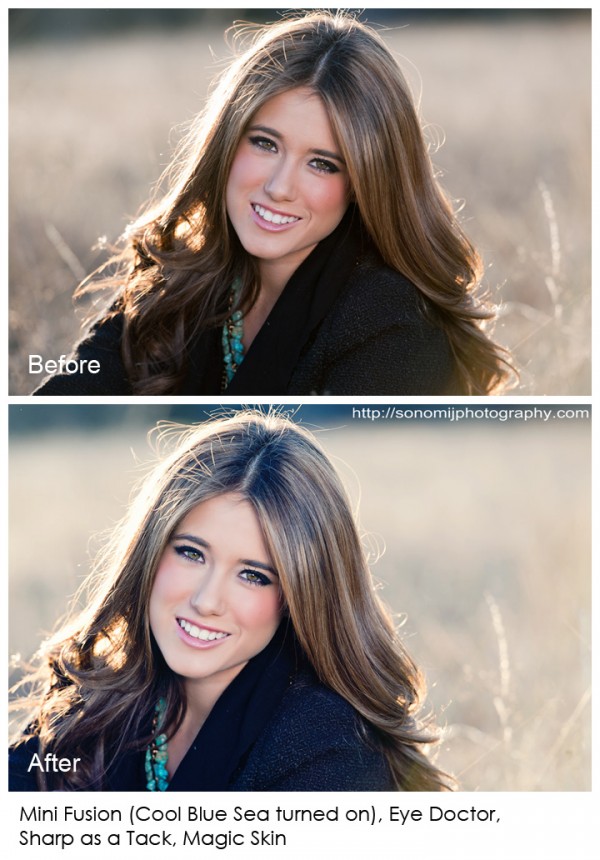
Subtle Photo Editing With Photoshop Actions Make A Big Difference
When you nail your exposure, white balance and focus, editing is a breeze using Photoshop actions. Learn quick steps to make your photos pop.

Which Photoshop Actions Recipe Do You Prefer?
Which edit do you like best – come critique and pick your favorite.
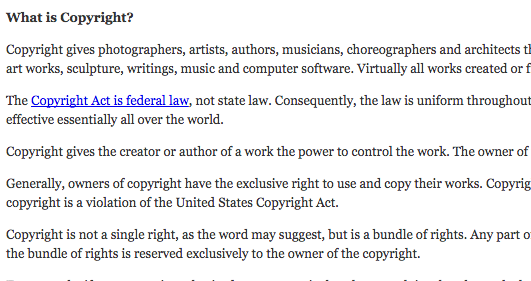
How Copyright Law Applies to Photographers and Bloggers
Learn how can photographers protect their photographs from copyright infringement and how can bloggers make sure they do not infringe.

Did Someone Remove The Copyright Notice From Your Photograph?
Learn what to do if someone removes the copyright or watermark from your images and uses them without your permission.

Blueprint: Enhancing Colors and Depth with MCP’s Fusion Photoshop Action Set
Watch Step-by-Step how a photographer gives more color and life to her photos. Then try it yourself!
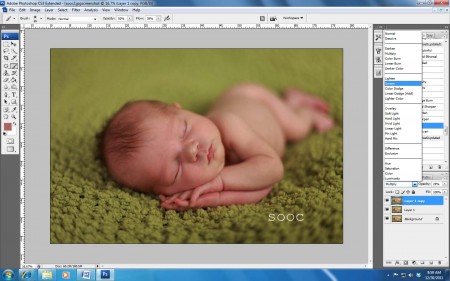
How to Achieve Creamy Newborn Skin Using Photoshop
Get better newborn skin quickly and easily. Just follow the steps in our easy Photoshop tutorial.

MCP Project 12: {Month Two} Love or Leap
Join MCP Project 12 to grow as a photographer. Photograph images based on a theme and challenge yourself.

Project 12: January “Resolutions” In Review
The first month of Project 12 has come to an end! It has been both a visual and psychological journey following each of the links to view each photo and read the stories behind them. There were resolutions both big and small; serious and funny and concrete and abstract; however, each one your very own,…
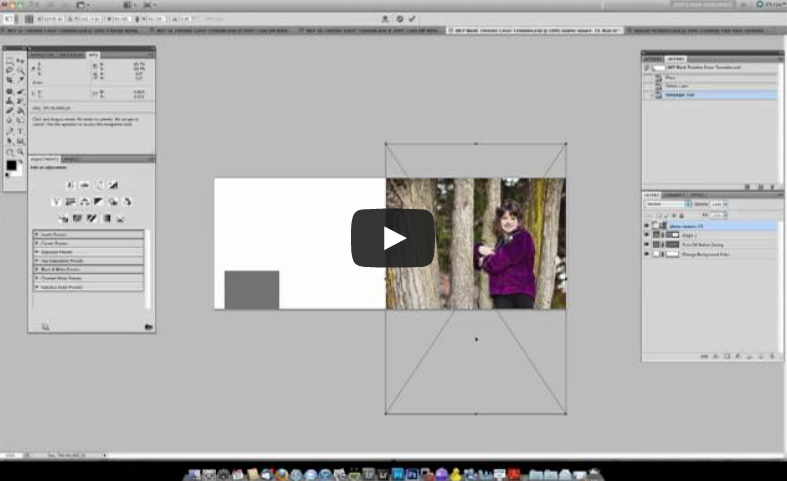
Free Facebook Timeline Cover Templates and Tutorial for Photoshop
Spice up your personal page with our free Facebook Timeline Cover Templates. Watch a video, add your photos, upload, and DONE!

Adding Warmth To Images Using Photoshop Actions
If you love rich, warm colors, learn how you can get your photos to pop with warmth.
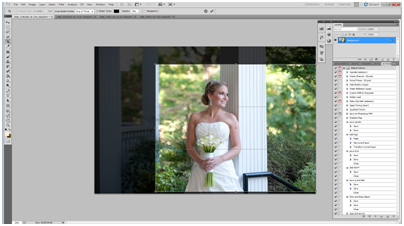
How To Edit A Bridal Image Using Photoshop Actions
Watch as an MCP customer quickly edits a bridal portrait using cloning, cropping and a few Photoshop actions.

MCP Project 12: {Month One} Resolution
Join MCP Project 12 to grow as a photographer. Photograph images based on a theme and challenge yourself.

MCP Project 12: Develop Your Skills as a Photographer
Challenge yourself in 2012 with this brand new 12 month photography assignment.
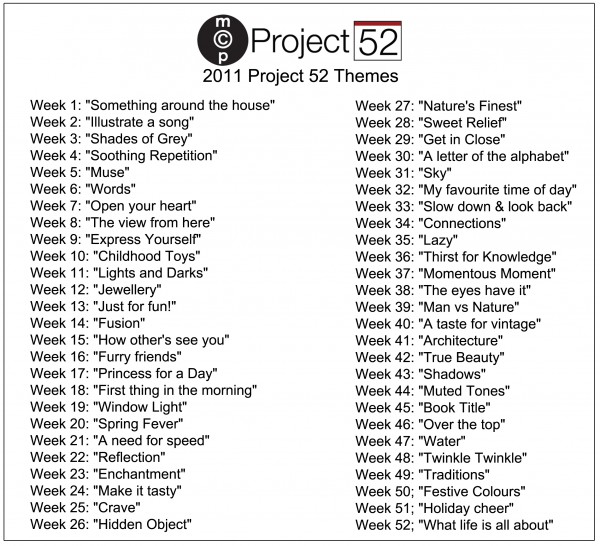
MCP Project 52: The Final Week
We made it! 3965 members, 15,398 photos and 52 weeks later we have reached the end of MCP Project 52. It is New Years Eve and what a perfect time to look back over our 52 weeks together and celebrate what made this project so special. This week we want to focus on some of…
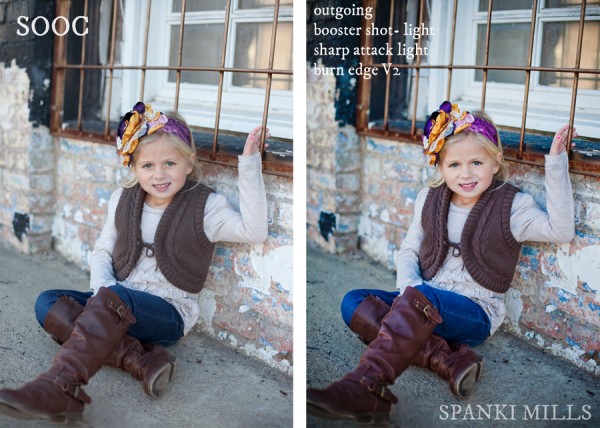
Turn Your Photos from This… To This… Using MCP’s Lightroom Presets
Spanki Mills of Spanki Mills Photography was out of town with her laptop and had limited images to edit. She started playing around with our Lightroom Presets and here are some of her results and her steps to achieve the after looks. Here are the Lightroom presets she used from the Quick Clicks Collection –…

5 Inexpensive Props Every Photographer Should Own
There are so many great photography props out there. If you don’t know where to start you can end up spending LOTS of money without much reward. I recommend starting simple. Here are a few inexpensive props that can add a nice flair to your photos

MCP Project 52: Week 51 Featured – Week 52 Launch
Happy Holidays! This thread was written and selected in advance due to the fact that a lot of us are celebrating/taking time to spend with our families. The top 10 for this week were chosen based on a thread on Flickr where participants were able to nominate others and share their favorite photo from this…

Blueprint: Photoshop Actions for Beautiful Black and White Images
See how easy it is to make beautiful black and white images in a few quick clicks using Photoshop Actions.
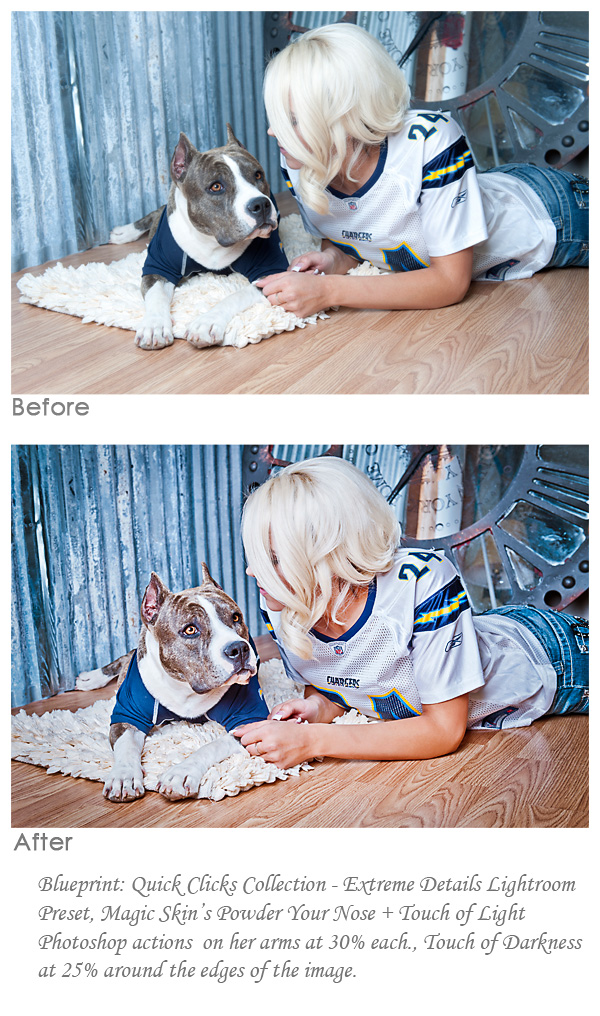
Combining Lightroom Presets and Photoshop Actions
Do you prefer Lightroom or Photoshop? For many photographers, both are an important part of their workflow. Learn how to use both together.

MCP Project 52 :: Week 49 Featured – Week 50 Launch
I think I said it back in the middle of the summer, but doing the Project 52 has made me realize how fast this year has flow. Now it has really hit me. We are coming into week 50 which means 2 weeks until Christmas and 3 until we ring in the new year. Hard…
Recent Posts



