
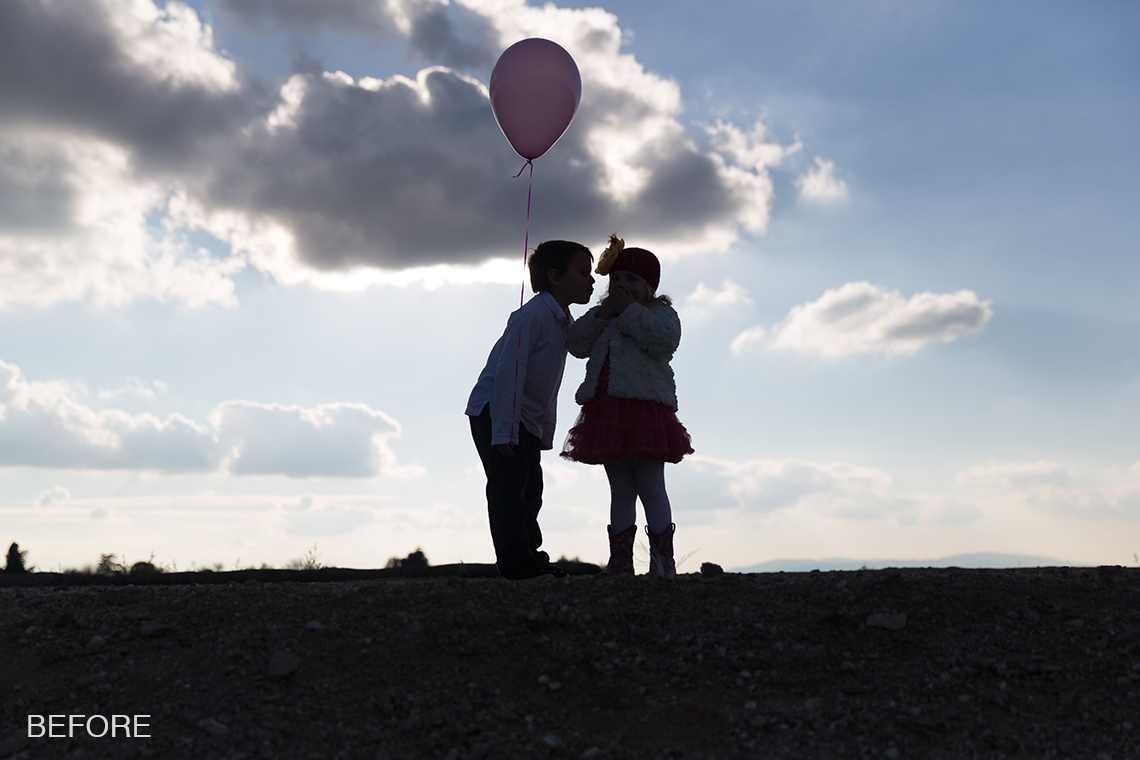
Fixing An Underexposed Image
February 26, 2014/
Last Updated March 23, 2020
Featured Products
-
Sale!
 Essential Photoshop Actions
Makeup Toolkit Premium Photoshop Action
Original price was: $79.00.$57.00Current price is: $57.00. -
Sale!
 Essential Photoshop Actions
Fusion™ Photoshop Actions
Original price was: $79.99.$58.00Current price is: $58.00. -
Sale!
 Essential Photoshop Actions
Bag of Tricks™ Photoshop Actions Set
Original price was: $69.99.$51.00Current price is: $51.00. -
Sale!
 Essential Photoshop Actions
Newborn Necessities™ Newborn Baby Editing Photoshop Actions Set
Original price was: $39.99.$29.00Current price is: $29.00. -
Sale!
 Essential Photoshop Actions
All in the Details™ Photoshop Actions Set
Original price was: $69.99.$51.00Current price is: $51.00. -
Sale!
 Essential Photoshop Actions
Complete Workflow™ Photoshop Actions Set
Original price was: $49.99.$36.00Current price is: $36.00. -
Sale!
 Essential Photoshop Actions
Inspire™ Photoshop Actions
Original price was: $99.99.$72.00Current price is: $72.00. -
Sale!
 Essential Photoshop Actions
Portrait Suite Frequency Separation Photoshop Action
Original price was: $63.99.$47.00Current price is: $47.00.
Before:
After:
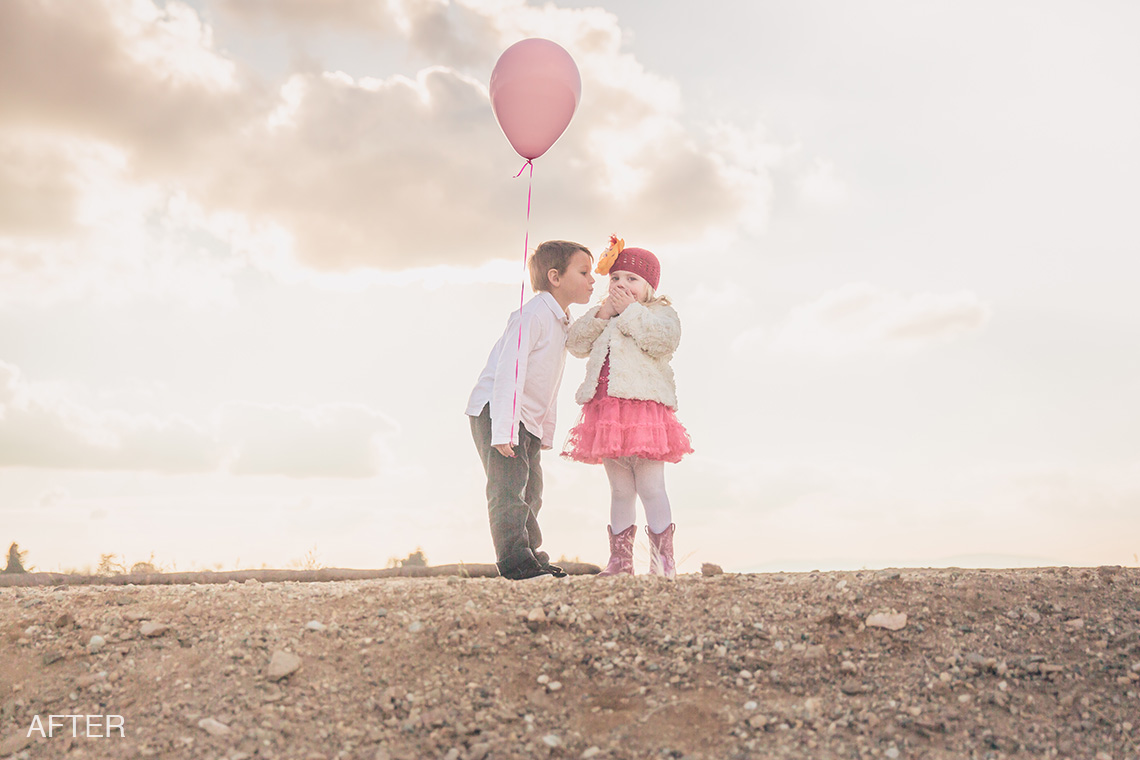
Photo Equipment & MCP Actions™ Products Used
Software Used: Lightroom
Actions/Presets Used: Enlighten Lightroom Presets, Illuminate Lightroom Presets, InFusion Lightroom Presets
Extra Details: 1. Clicked One Click Color Base with Highlight Protection – 100%
2. Clicked Nostalgia Preset – removed the “film” grain that the preset added in the “Effects” area of Lightroom
3. Clicked on Different Directions 1
4. Clicked on Darken Whites 3
5. Clicked on Golden Sunrays + Haze Top Right
6. Clicked on Noise Reduction Medium
7. Used the Exact-o-Sharp brush over the faces to bring out some detail
Credits:
Image Title: Fixing An Underexposed Image
By: Dayna More
Studio: Dayna More Photography
Website:
Recent Posts








