
Adobe Lightroom Presets
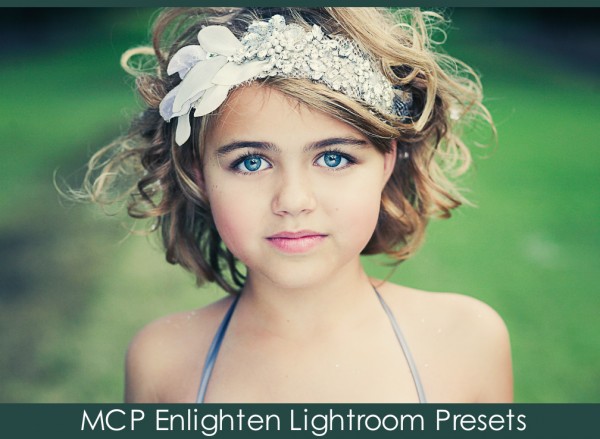
Reduce Editing Time with Our Presets for Lightroom 4
You already rely on MCP Actions for Photoshop or Photoshop Elements to help you create gorgeous, artistic images with minimal time and effort. Now, we’re offering Lightroom 4 users the same one-click convenience and eye-catching results.
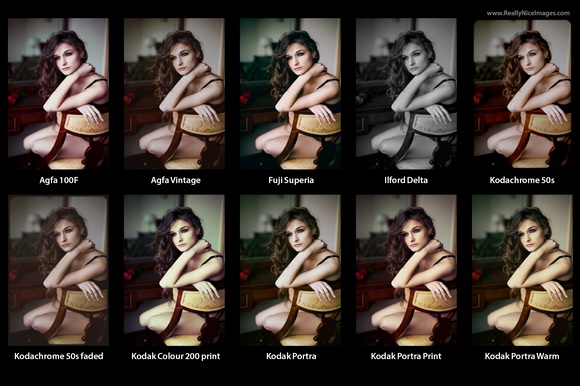
Really Nice Images releases analog film presets for Adobe Lightroom
Really Nice Images became very popular at the beginning of the year. The developer released a set of emulation presets, which replicate Instagram effects, for Adobe Lightroom. After that, it was just a matter of time for Really Nice Images to reveal even more presets and the latest pack is entitled “Faded Films”, as it replicates analog film effects.

Adobe Camera Raw 7.4 and Lightroom 4.4 RCs available for download
Adobe has released the so-called “release candidate” versions of both Camera Raw 7.4 and Lightroom 4.4 programs. The company believes that the RAW processing and photo-editing tools are ready for consumption, therefore it is pushing their release candidates, with bug fixes and support for new cameras, to the users.
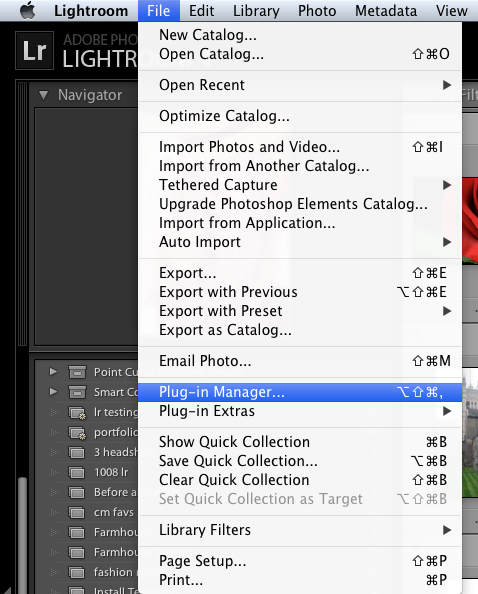
Exporting Photos from Lightroom to a Facebook Business Page
When exporting photos from Lightroom – here’s how to directly publish them to your business page on Facebook.
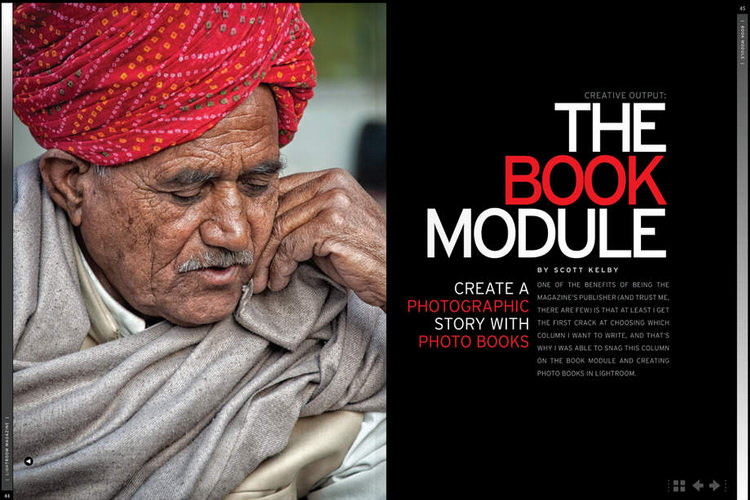
Kelby releases world’s first Lightroom exclusive magazine
Kelby Media Group and the National Association of Photoshop Professionals have teamed to produce the first ever digital magazine about Adobe Lightroom. Lightroom Magazine is the first Adobe Photoshop “How-to” magazine that incorporates columns and articles from the industry’s top experts in Adobe Photoshop Lightroom.

How and Why to Have a Post-Processing Workflow
Why having a written post processing workflow is non-negotiable.
Lightroom gets new Seim-Effects toolkit
Seim Effect has released a bunch of new plugins for Adobe Lightroom users. The new Color Fantasies 2 is available for download for all Lightroom users, regardless of their software version or their operating system. The toolkit will be released with a fair price tag and it should bring a lot of creative ideas to a photographer’s work.
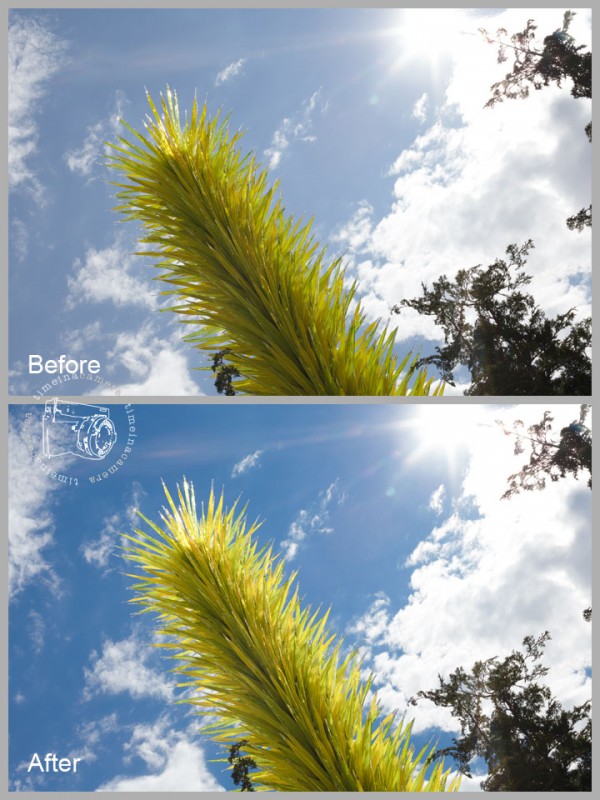
Quick and Easy Lightroom Color Tweaks
Learn to deepen skies, fix skin-tones and more, using Lightroom’s HSL Panel.
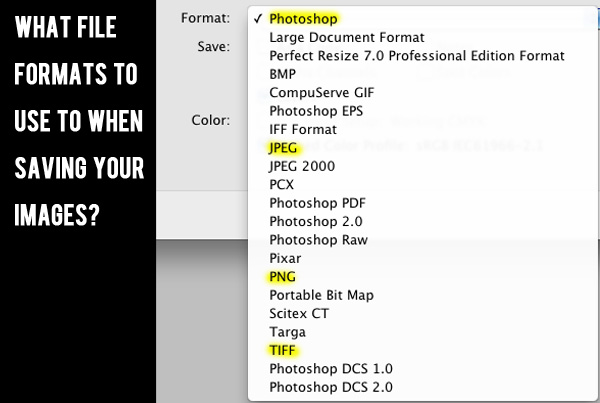
The Guide To File Formats: How You Should Save Your Images
Learn which file format you should use to save your image in specific situations. We cover the major formats and tell you the pros and cons.

New Lightroom Templates and Collages With MCP Lightroom Presets
MCP is making it quicker and easier to showcase your photos in print and for the Web using our new Lightroom Templates. Print Collages Layouts: With MCP Present It for Print Lightroom Presets, you’ll just click and drag images into the templates, customize and upload to your lab. Web Template Layouts: With MCP Display It…
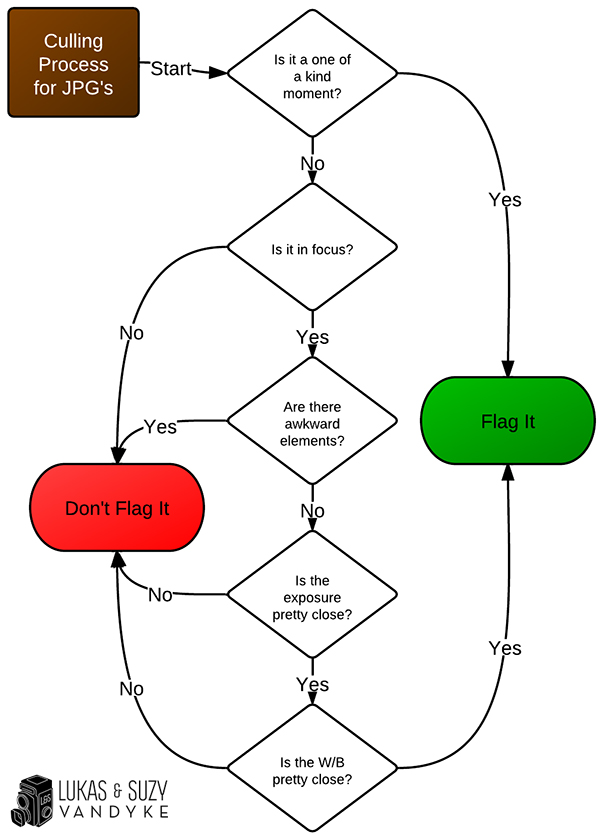
How To Cull Wedding Photos Fast and Easy
Learn how to get though thousands of wedding photos in just a few hours with these proven techniques to cull wedding photos.

How To Choose Which Images To Keep Versus Delete
When sorting through thousands of images, there are some quick rules that will help you decide which to choose and which to discard. Here’s how.

Lightroom Sharpening Layer Mask: The Hidden Secret
The more you edit in Lightroom, the more time you save. This sharpening tip will give you one more way to maximize your editing time. When sharpening a photo in Photoshop, using a layer mask will usually give you the best result. Some areas we want to be sharp, like eyes and jewelry. Other areas…

Cook Up Better Food Photos With This Lightroom Presets Recipe
Cook up better images with this editing recipe.

3 Ways To Edit The Same Silhouette Photo: Which Do You Like Best?
Whether you prefer muted tones or vibrant silhouettes, we’ll teach you how to achieve the look you want in a few clicks.
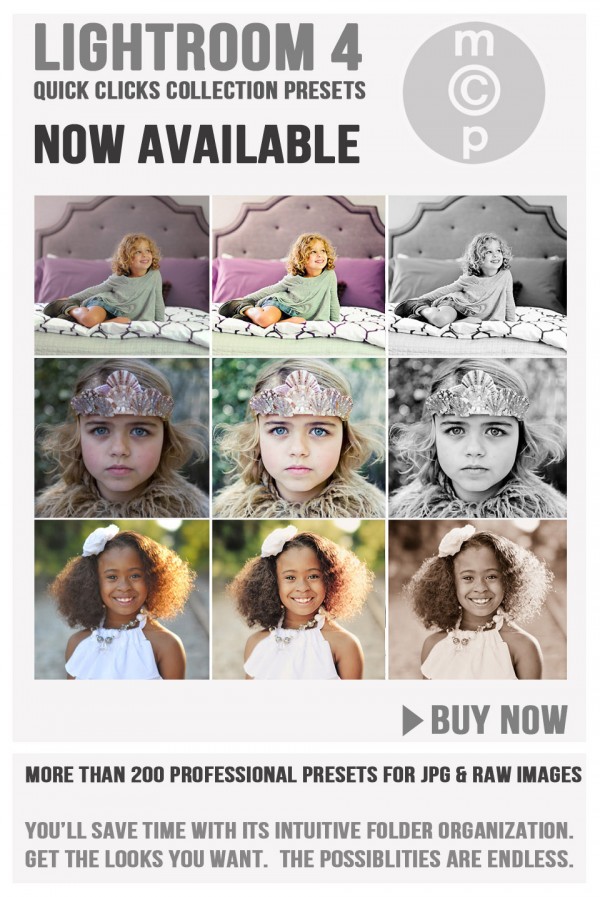
The Quick Clicks Preset Collection is Now Available for Lightroom 4
The wait is over. Our presets for Lightroom 4 are not available. If you already own the LR2 and 3 versions, you are eligible for a free upgrade.
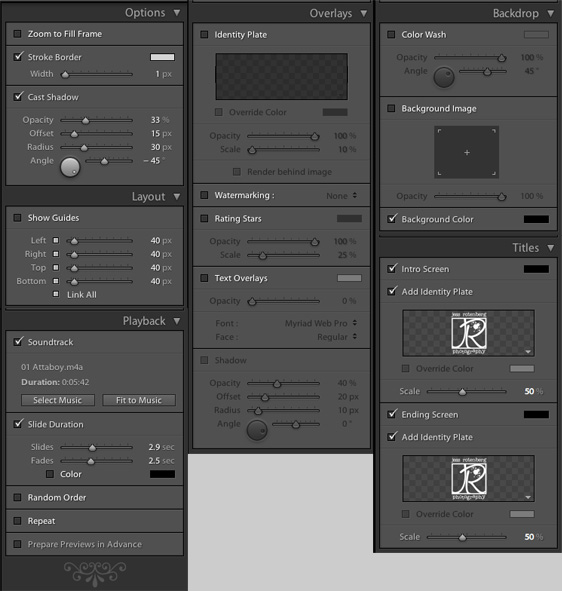
How To Make More Money With In-Person Ordering Sessions
Make more money and provide better service to your photography customers by doing in person ordering.

Welcome to Project MCP: Develop Your Skills as a Photographer
Come join us in a photo challenge for 2012.
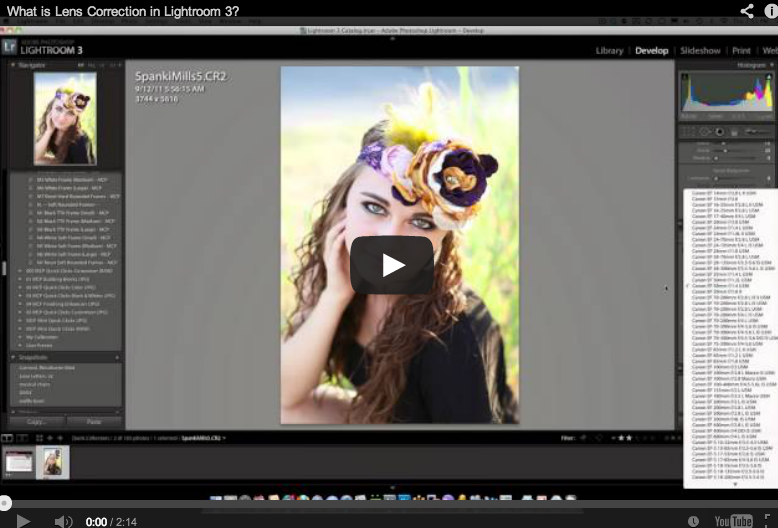
Effectively Use Lens Correction in Lightroom
Determine if you like your photos to distort or auto fix around the edges by watching this video on Lens Correction in Lightroom.

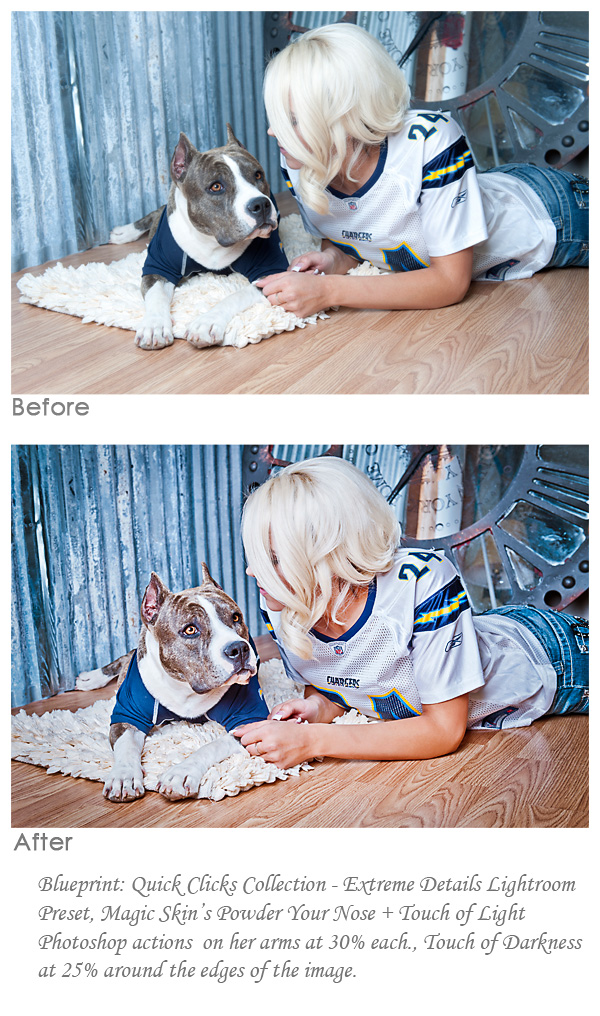
Turn Your Photos from This… To This… Using MCP’s Lightroom Presets
Spanki Mills of Spanki Mills Photography was out of town with her laptop and had limited images to edit. She started playing around with our Lightroom Presets and here are some of her results and her steps to achieve the after looks. Here are the Lightroom presets she used from the Quick Clicks Collection –…
Recent Posts








