
Featured Products

This Blueprint was created by Blythe Harlan, an MCP Actions customer who showed us how to make this fun newborn photography prop earlier in the week here. She explains below how she has saved time using our products and she shared an example of how she edits her newborn photos using our products.
“I exclusively use MCP actions to edit all of my photos. My two favorite action sets are Inspire and Newborn Necessities, but I own a lot of other MCP sets that I use often. With two small children, editing has to be quick or it will never get done. When time is already spread thin, I am so thankful for all of my MCP actions and presets because I can always get all of my editing done in a snap!” – Blythe Harlan

And the after:
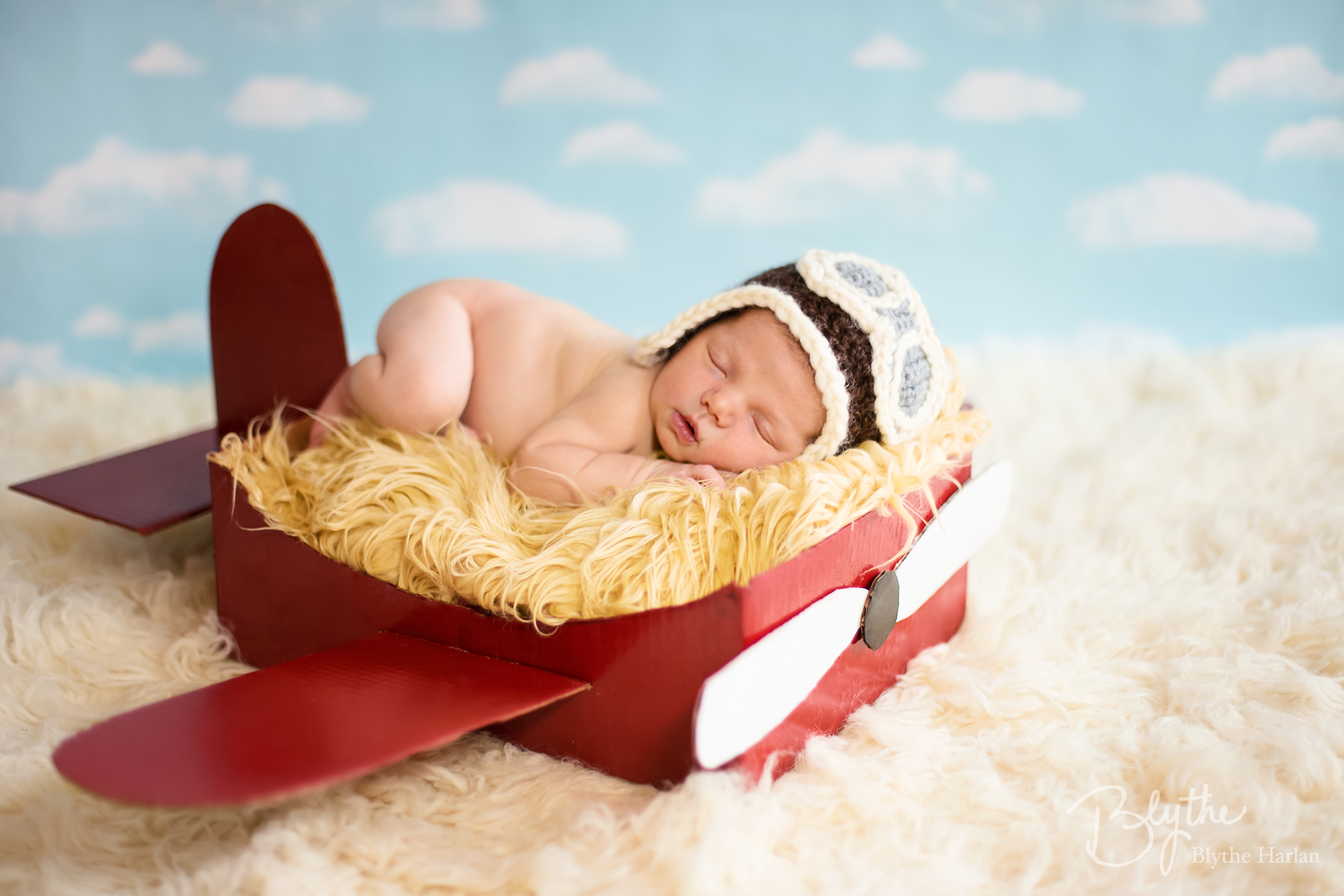
To achieve this look I used MCP’s Inspire Photoshop actions and MCP’s Newborn Necessities Photoshop actions.
How I edited this photo:
- I cloned out a few scratches and folds in the DIY cardboard airplane
- I Ran Brilliant Color Base (from Inspire)
- I ran the Manual Color Switcher on the wing of the airplane where it was reflecting the golden color from the fur basket stuffer (from Inspire)
- I ran the White Balance Slider action and increased blue to 17% (from Inspire)
- I ran Sugar -n- Spice and turned the opacity to 30% (from Newborn Necessities)
- I ran In the Spotlight and brushed it only onto the left side where it is a bit dark due to mom spotting (from Newborn Necessities)
- I ran Sharp Eyelashes and brushed it onto his face (from Newborn Necessities)
This blueprint was created by Blythe Harlan, currently residing in Fort Bliss, Texas. You can find her on Facebook.
Posted in Blueprints, Guest Bloggers

Recent Posts



