
Featured Products
-
Sale!
 Essential Photoshop Actions
Makeup Toolkit Premium Photoshop Action
Original price was: $79.00.$57.00Current price is: $57.00. -
Sale!
 Essential Photoshop Actions
Fusion™ Photoshop Actions
Original price was: $79.99.$58.00Current price is: $58.00. -
Sale!
 Essential Photoshop Actions
Bag of Tricks™ Photoshop Actions Set
Original price was: $69.99.$51.00Current price is: $51.00. -
Sale!
 Essential Photoshop Actions
Newborn Necessities™ Newborn Baby Editing Photoshop Actions Set
Original price was: $39.99.$29.00Current price is: $29.00. -
Sale!
 Essential Photoshop Actions
All in the Details™ Photoshop Actions Set
Original price was: $69.99.$51.00Current price is: $51.00. -
Sale!
 Essential Photoshop Actions
Complete Workflow™ Photoshop Actions Set
Original price was: $49.99.$36.00Current price is: $36.00. -
Sale!
 Essential Photoshop Actions
Inspire™ Photoshop Actions
Original price was: $99.99.$72.00Current price is: $72.00. -
Sale!
 Essential Photoshop Actions
Portrait Suite Frequency Separation Photoshop Action
Original price was: $63.99.$47.00Current price is: $47.00.

As I was editing a recent baby milestone session, my favorite setup from the session was of baby on the soft flokati rug. As probably most newborn and baby photographers do, I love the look of flokati but am not in love with the price. Even on sale, it would cost well into the hundreds of dollars just to have 3 or 4 different pieces, not to mention having to store and care for them. And since I don’t want all of my sessions to look the same, I tend to only use my one piece rarely.
As I was having this thought that I would really love to use more flokati in my sessions, the light bulb went off and the Color Changer Photoshop action from the MCP Inspire set came to mind. I have used the MCP Color Changer many times, mostly on furniture in studio sessions, but sometimes even for clothing that did not get exposed properly in camera. I have found from experience that the MCP Color Changer is best used when the changes wanted are along the same hues, i.e. darks are best changed to darks, lights are best changed to lights, so I knew right away that this would be a great photo on which to use the action.
I started with this photo of my cream flokati. This is a cute, neutral color, but I really want it to pop!

Original Photo – Cream Colored Flokati
I ran MCP Color Changer and chose a darker blue since I know it will be light in color when it is applied, and I don’t want my flokati too light. I really want to make it look like a completely different piece. Here is the result after the color changer completed (I always ungroup the layer so I can see my details and tweek as needed):
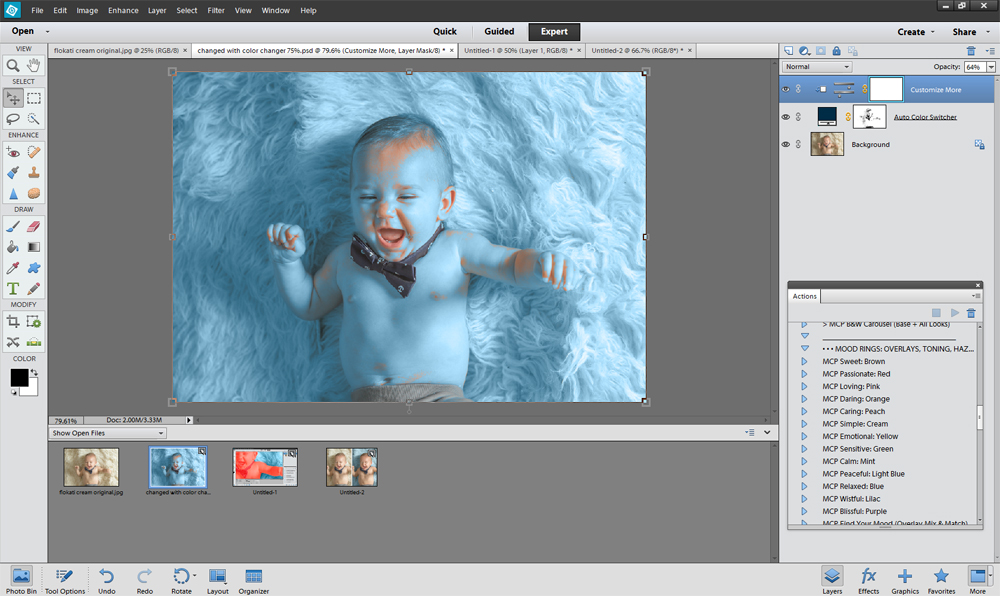
Details of Color Change
Since baby’s skin was a very close color match to the rug, you can see that the color changer also applied to the subject, so now I needed to mask that off. I often toggle to my forward slash key “|” (above the enter key) so I can make absolutely sure that I am only painting on where I want the color. You can see in the next photo that I was missing the area right around his arm, and this tool allows me to keep painting so I can see right where I need to apply the mask.
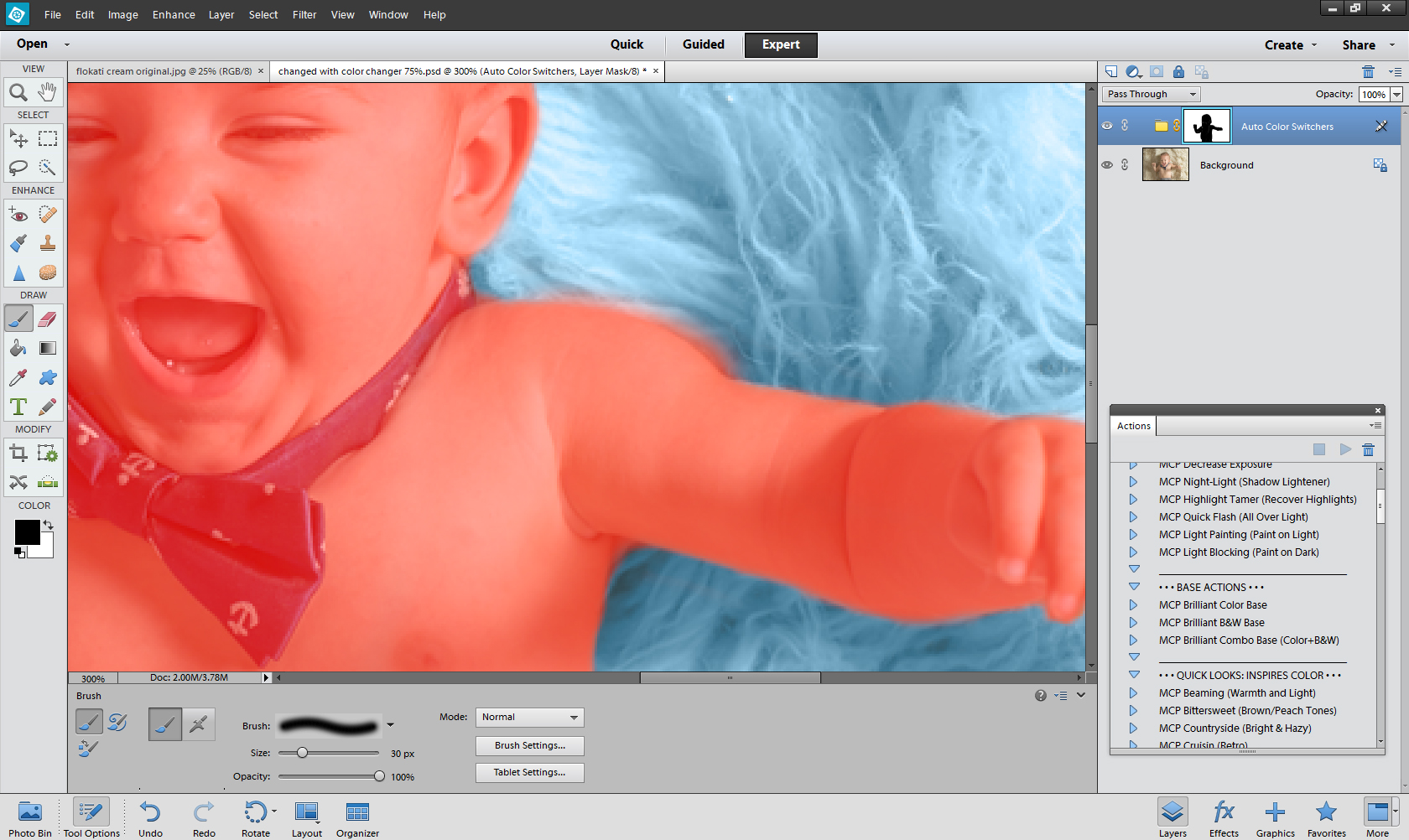
Applying the Color Change
After I have masked the MCP Color Changer off of the subject, I get this result, which is a drastic change:

Photo with Initial Color Change Result
The initial result was little too much blue for my taste, so I just decreased the opacity down to 65% and this is the result I had in mind when I ran the color changer:

Photo with Opacity Lowered
Once I had practiced with the MCP Color Changer a few times, it takes less than 5 minutes from start to finish. Now I have a fantastic tool to expand my flokati collection without being out storage space AND hundreds of dollars.
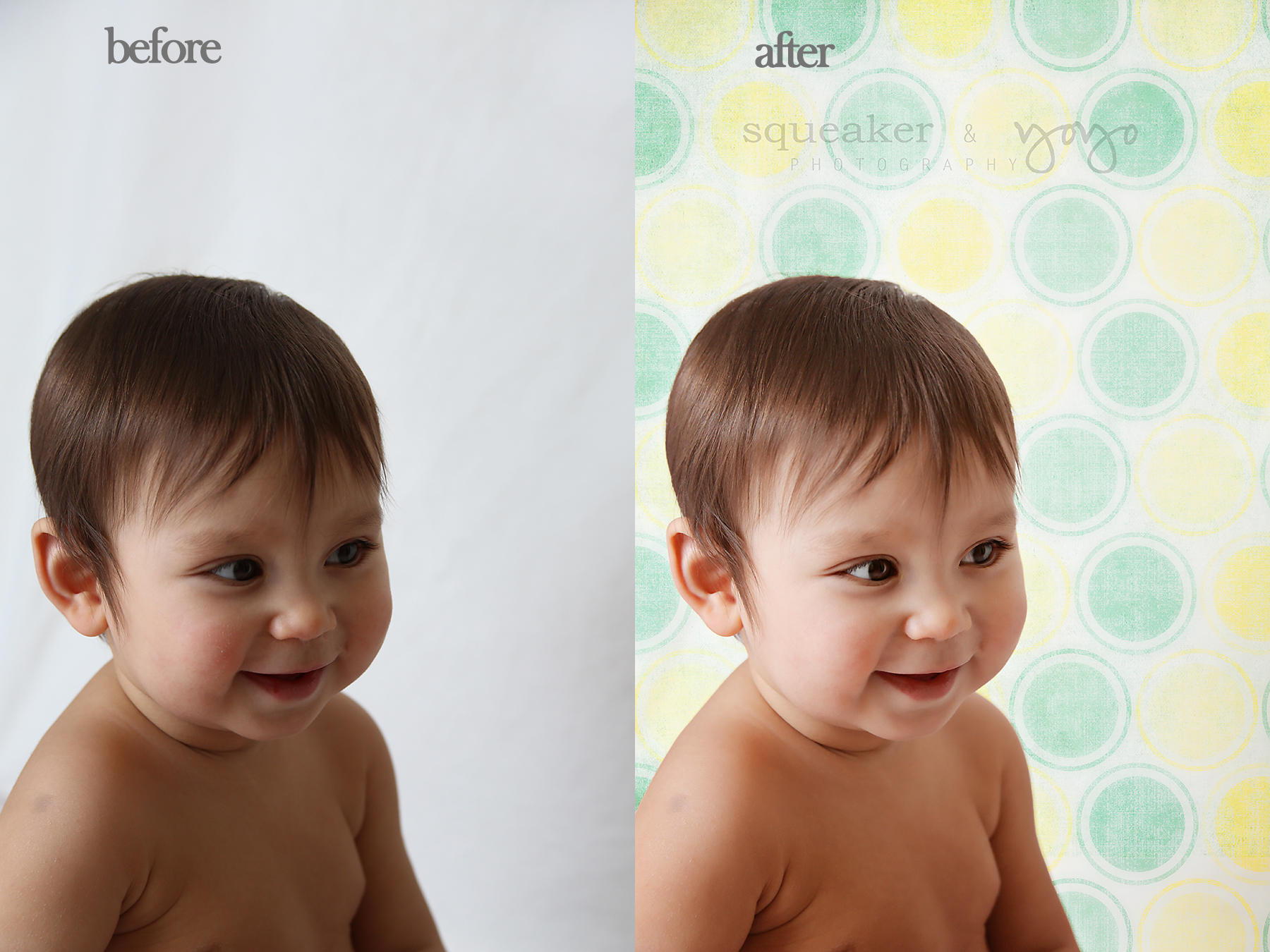
SOOC and After MCP Color Changer
Kristi Butler-Photographer
Kristi Butler is a portrait photographer and owner of Memories in a Flash Photography in Fort Worth, TX. She specializes in portrait photography of all ages from high school senior photography to wedding to newborn photography. You can find her on Facebook Here.

No Comments
Leave a Comment
You must be logged in to post a comment.
Recent Posts









Thank you MCP Actions this is a great topic and great business option for all photographers!! I love the information and the examples you provided!! I will most definitely looking at purchasing this Action!!