
Featured Products
-
Sale!
 Essential Photoshop Actions
Makeup Toolkit Premium Photoshop Action
Original price was: $79.00.$57.00Current price is: $57.00. -
Sale!
 Essential Photoshop Actions
Fusion™ Photoshop Actions
Original price was: $79.99.$58.00Current price is: $58.00. -
Sale!
 Essential Photoshop Actions
Bag of Tricks™ Photoshop Actions Set
Original price was: $69.99.$51.00Current price is: $51.00. -
Sale!
 Essential Photoshop Actions
Newborn Necessities™ Newborn Baby Editing Photoshop Actions Set
Original price was: $39.99.$29.00Current price is: $29.00. -
Sale!
 Essential Photoshop Actions
All in the Details™ Photoshop Actions Set
Original price was: $69.99.$51.00Current price is: $51.00. -
Sale!
 Essential Photoshop Actions
Complete Workflow™ Photoshop Actions Set
Original price was: $49.99.$36.00Current price is: $36.00. -
Sale!
 Essential Photoshop Actions
Inspire™ Photoshop Actions
Original price was: $99.99.$72.00Current price is: $72.00. -
Sale!
 Essential Photoshop Actions
Portrait Suite Frequency Separation Photoshop Action
Original price was: $63.99.$47.00Current price is: $47.00.

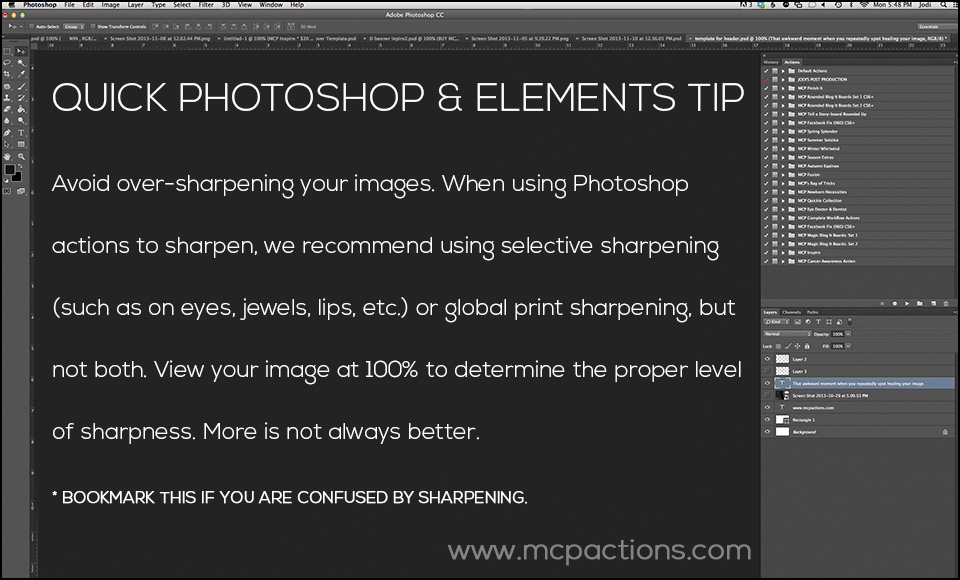
It’s easy as a newer photographer to pile on extra color, haze, and especially extra sharpening. When it comes to editing, it’s hard to know when to stop. Often areas like hair look crispy and unnatural when sharpened too much, and even eyes and gemstones can suffer if you are heavy handed.
Our best advice on how to sharpen for print:
- View your images at 100% when you sharpen them.
- More is not always better.
- Choose global or local print sharpening, but NOT both. Either use a selective Photoshop action/Lightroom preset like Gem Polish from Inspire / Exact-O-Sharp in Fusion / Enlighten Sharpening Brush) OR use a global, all-over sharpening like Razor Sharp from Four Seasons / Perfect Print Sharp from Inspire / Develop Preset Sharpening in Enlighten.
Want more quick tips on how to sharpen your images? Let us know!
For more troubleshooting tips, click HERE.
Posted in Photo Editing Tips

Recent Posts








